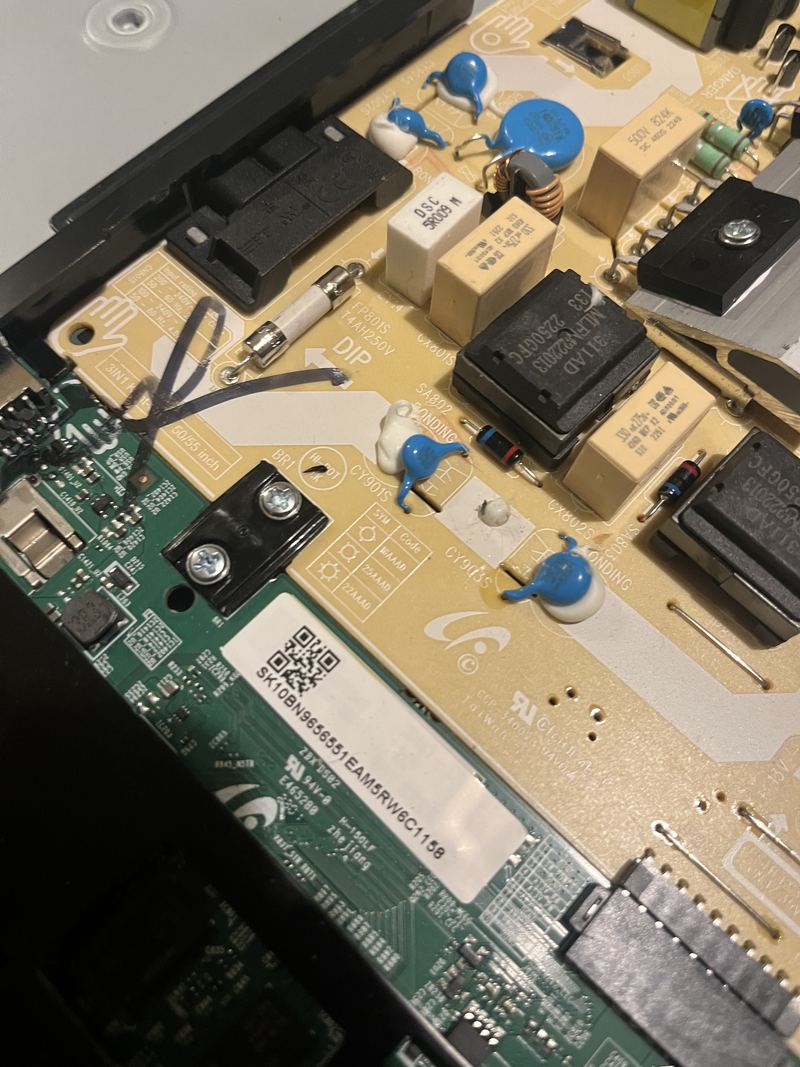
TV will not turn on, or the standby light just blinks
A television that will not come on tends to be written off the same afternoon. It goes out to the garage or the tip, a new one is ordered, and nobody ever finds out what actually failed.
That is worth slowing down, because there are two very different answers and only one of them means the set is finished. One is a part. The other is effectively the whole television. Telling them apart is a job for someone with the back off. Most people replace a television without ever finding out which of the two they had.
Which of the three is yours?
People describe this in three ways, and the differences matter more than they sound.
- Nothing at all. You press the button on the set or the remote and there is no light, no click, no glow, no sound. As far as the room is concerned it is not plugged in.
- The standby light is on, but the screen never comes up. The little light is there, and it may change colour or go out when you press power, and then nothing else happens. Sometimes there is a faint click or a tick from inside the case.
- The standby light blinks a set number of times. Two, or three, or six, the same count each time with a pause in between, repeating for as long as you leave it.
Note which one yours is before you do anything else. It is the first thing we ask when you get in touch, and it changes where a technician starts.
What is worth trying yourself
This list is short, and it is short on purpose. Everything past it involves the back coming off.
- Try a different socket. Not the extension lead it has always lived on, a wall socket you know works. A dead socket, a tripped switch or a blown plug fuse is free to rule out and occasionally is the whole story.
- Try a mains lead you know works. Many sets take a detachable lead, and if you have another appliance with the same fitting, swap it over. If yours runs off an external power supply rather than a plain lead, do not substitute a different one unless the voltage and current on the label match exactly. Close is not the same.
- Do a standby clear. Switch it off at the wall and pull the plug. Leave it a minute. Then press and hold the power button on the set itself, not the remote, for about thirty seconds. Plug it back in and try again, still using the set’s own button. This drains residual charge from the low-voltage side, it harms nothing, and it does revive some sets.
That last instruction is doing two jobs, because a flat remote or a failed remote sensor looks exactly like a dead television from the sofa. If the set responds to its own button and not the handset, you have found something much cheaper than a board.
Be honest with yourself about the limits, though. These three checks fix a television far less often than the equivalent checks fix a laptop. If none of them wakes it, more attempts will not, and the answer is inside the case.
What a blinking standby light actually is
A blinking standby light is not the fault. It is the set telling whoever opens it where to start looking.
The television has run its own start-up checks, one of them has failed, and it has stopped rather than carried on. The blink is how it reports that. Two useful things follow from it: power is reaching the control side of the set, so it is not completely dead, and it already has an opinion about what is wrong.
What it is not is a code you can look up. Blink patterns are set by the manufacturer, and they routinely differ between models and between years within the same manufacturer. The forum threads promising a tidy table of counts are how people end up buying the wrong board, fitting it, and finding the light still blinking. Count the blinks, write the number down, and read the make, model number and rough age off the sticker on the back. That combination is genuinely useful. A stranger’s table is not.
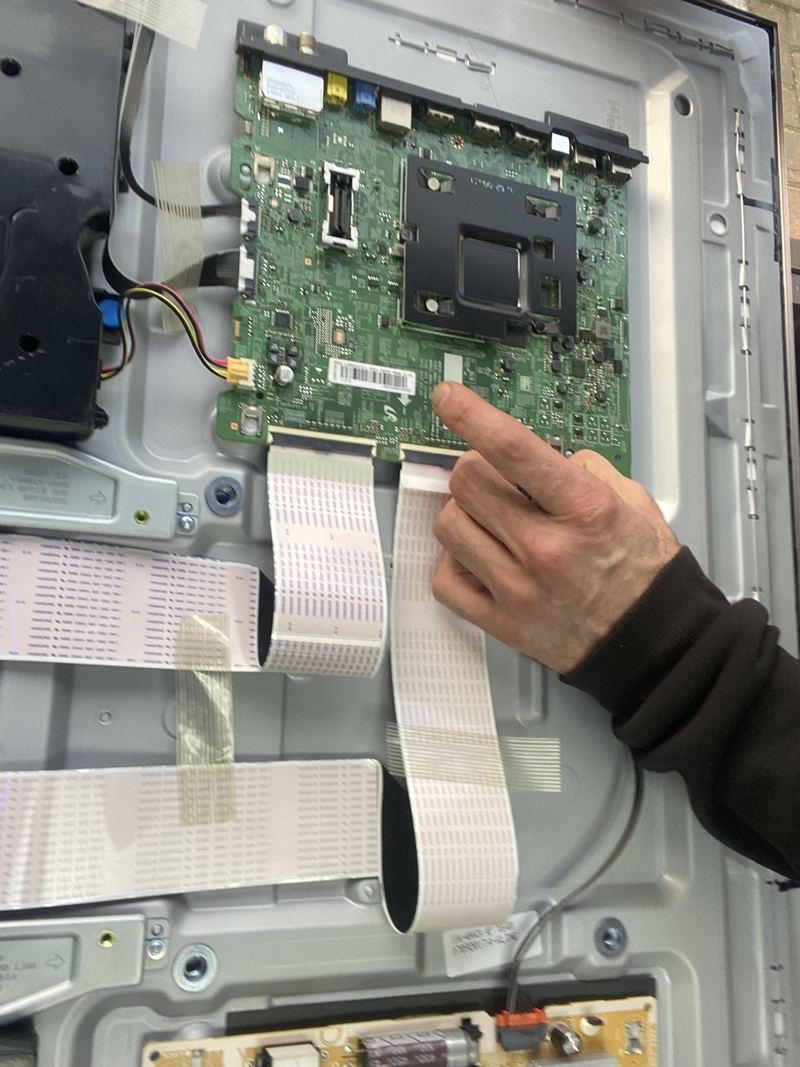
The split that decides everything
A television is, roughly, a glass panel with its own lighting behind it, and a small number of boards bolted to the back that feed and drive it. Almost every “it will not turn on” job comes down to which side of that line has failed.
The boards are parts. The power board takes the mains in and turns it into the voltages everything else runs on, and a failure on it is one of the common ones, because it does the hardest work and takes whatever the wall sends it. The mainboard is the one that starts the set up, drives the panel and runs the apps. Either can be repaired or replaced, and neither is the end of the television.
The panel is the television. The glass and its backlight are most of what a set costs to build, which means a cracked, lined or blotched panel is not a repair in any sense worth having. A replacement panel commonly costs more than a new television of the same size, it is delicate work, and it comes with no promises. If that is what you have, the honest advice is to put the money towards a new set, and you should not have to pay anyone to hear that.
There is one middle case worth knowing, because it is mistaken for a dead panel every week. If there is sound but no picture, take a torch into a dark room and shine it close to the screen at an angle. If you can just make out a ghost of the menu or the channel, the panel is alive and it is the lighting behind it that has failed, which is a different and often better answer. That test has its own guide: sound but no picture on your TV.
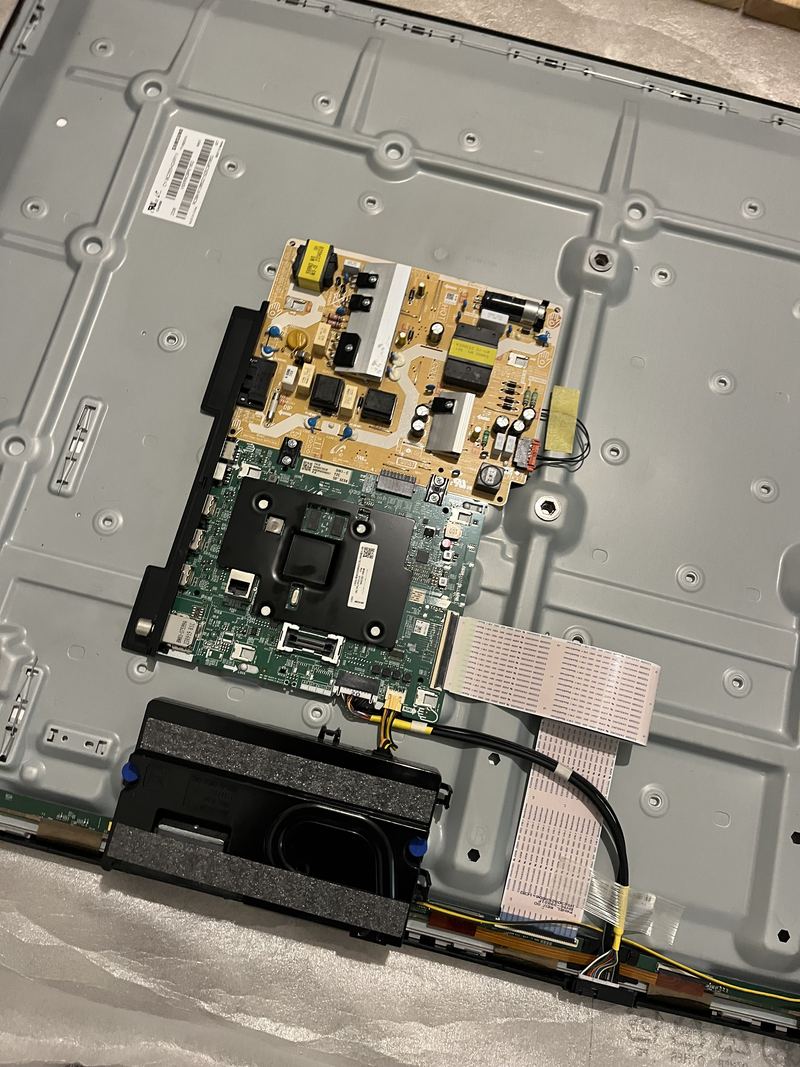
Look at that photograph and the split stops being abstract. Everything visible in it is a part. The large grey expanse it is all screwed to is the back of the panel, and that is the expensive half.
Why this is a visit, not a drop-off
On most of what we do, coming to you is a convenience. On a television it is the point.
A set is heavy, awkward to hold, and the fragile, costly part of it is the flat face you have to carry. Getting a large television into a car on your own is a decent way to cause exactly the panel damage you were hoping you did not have, and there is no shop counter to carry it to anyway. So the back comes off where the set already lives, on the floor or on the table it stands on, and nothing gets moved, boxed or leaned against a door frame.
It also means the rest of the picture is in front of us: the socket it runs from, the box or soundbar plugged into it, and whether the fault is even in the television. That last one is more common than people expect.
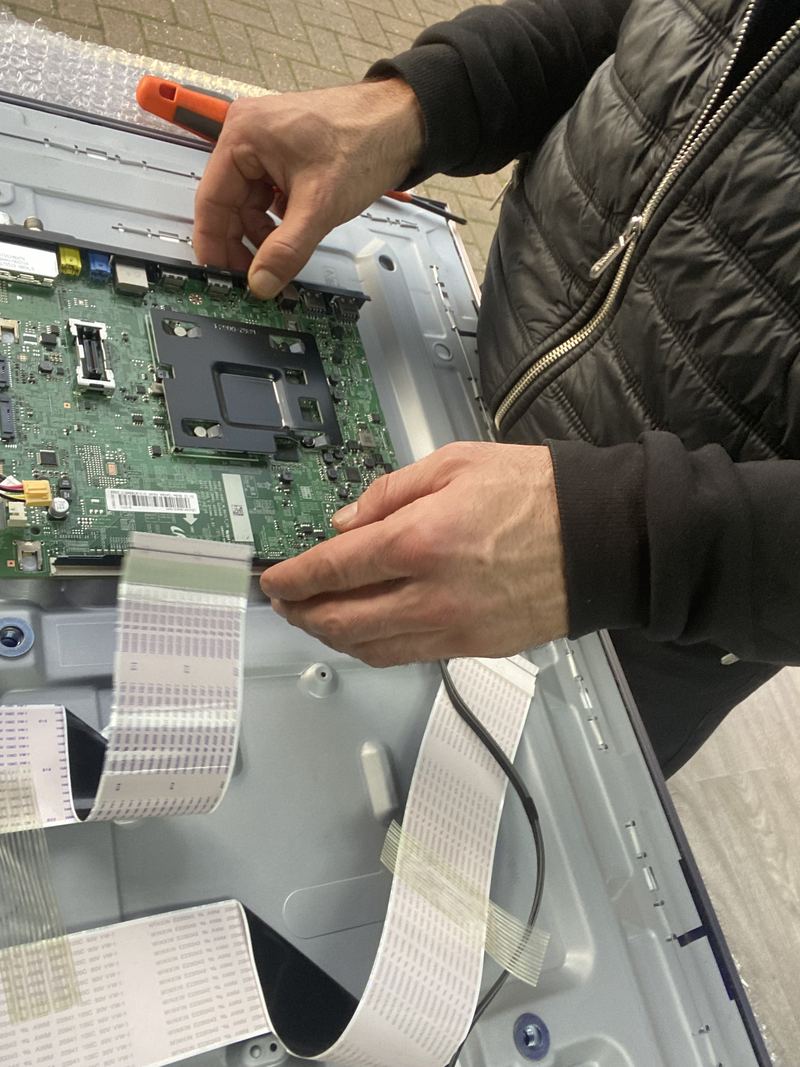
Finding out which one you have, before you spend anything
That is the whole argument of this piece. You do not have to decide anything about a dead television until somebody has told you whether it is a part or a panel, and you will know what finding that out costs before anyone travels.
So: advice by message is free, you get a fixed quote before any work begins, and no fix, no fee if we cannot bring it back. If the answer is a power board or a mainboard, you will hear what it takes and what it costs before anything is ordered. If the answer is the panel, you will hear that standing next to the set, rather than at the bottom of a bill. We are not going to talk anyone into repairing a television that is not worth repairing.
When you get in touch, have three things ready: which of the three states it is in, the blink count if it blinks, and the make and model off the sticker on the back. Then we can arrange to come out and look at what the television is actually doing.
And if it does turn out to be the panel, the decision that follows is the ordinary repair-or-replace one. Our guide on whether a machine is worth repairing is written about laptops, but the shape of the decision, and the questions worth asking before you spend, are the same.
Questions people ask
My standby light blinks four times, over and over. What does that mean?
It means the set has run its own start-up checks, one of them has failed, and it is reporting that the only way it can. What it does not mean is that four blinks has a fixed meaning you can look up. The patterns are set by the manufacturer and often differ between models and between years within the same manufacturer, so a table copied onto a forum is as likely to point you at the wrong board as the right one. Count the blinks, note the make and model off the sticker on the back, and tell us both when you get in touch.
Is a TV that will not turn on worth repairing?
It depends entirely on which part has failed, and that is the whole point of finding out before you decide. A power board or a mainboard is a part, and a part is often the repairable kind. The glass panel is most of what a television costs, so once that has failed or been broken, repairing it very rarely stacks up against a new set. Those two answers look identical from the sofa. They are not remotely the same thing once the back is off.
Can you tell whether it is the board or the panel without opening it?
Not honestly, no, not from the outside on a set that shows no picture at all. Some faults give themselves away, a visible crack, lines or blotches on the screen, or a faint picture that appears when you shine a torch close to the glass. Beyond that it needs the back off and the voltages checked. That is exactly the part we do before quoting you anything, because it is the answer that decides whether you should spend anything at all.
Do I need to get the television to you?
No. We come to you, across Leeds, West Yorkshire and North Yorkshire, and on a television that is the sensible way round. A large set is awkward and heavy, the panel is the fragile and expensive part of it, and moving one badly can cause exactly the damage you were hoping you did not have. The back comes off where the set already lives, and nothing gets carried anywhere it did not need to go.
Is it safe to open the back myself and have a look?
We would rather you did not. The power board inside a television holds a charge after it is unplugged, and holds enough of one to matter, so it is not like taking the back off a laptop. There is also very little a look tells you: a failed component on a board is usually invisible, and the useful test is measuring, not looking. Everything worth trying yourself is on the short list above, and it needs no screwdriver.
Free advice by message
Not sure what your machine needs? Ask.
Tell us the fault and we will tell you straight: what is wrong, what it will cost, and whether it is worth doing. A fixed quote before any work, and no fix, no fee on the repair.
We do this in person across Leeds and West Yorkshire, day or night, Sunday to Friday.