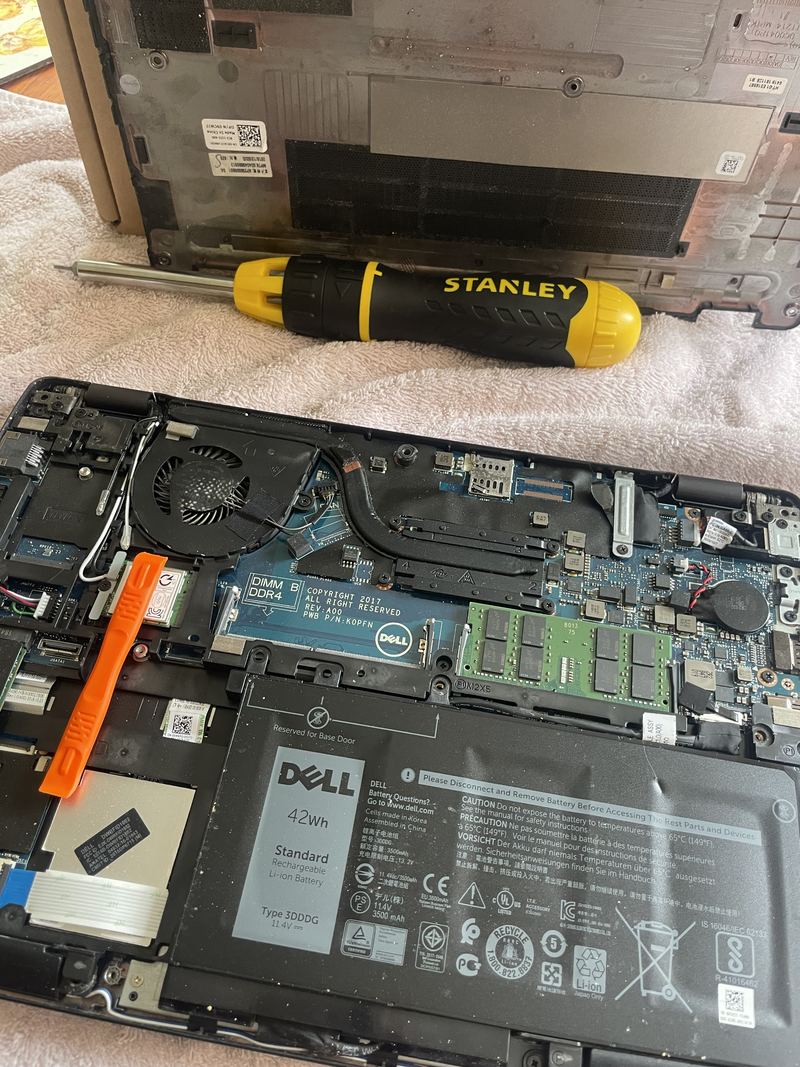
Replacing a laptop battery: a Dell Latitude 5290, start to finish
A laptop battery replacement is not a dramatic repair. It is a short job that rewards care at three points: getting the base off without breaking anything, disconnecting the battery before you touch anything else, and fitting the right cell. This one is a Dell Latitude 5290, photographed as it was done, so you can see what actually happens between “my battery is dead” and a machine that runs on its own again.
Why the battery was coming out
Batteries wear. Every charge cycle takes a little from the cell, and after a few years a machine that once lasted a working day struggles to last an hour. That is a replacement, not a fault. The other reason a battery comes out is more serious: a cell that has begun to swell. If the case is bulging, the trackpad is lifting, or the laptop rocks on a flat desk, the battery is already the problem and it is not one to wait on. Stop charging it, switch it off, and get it dealt with.
This Latitude was the first kind: an original 42 Wh cell, worn, in a machine that was otherwise fine.
What was on the bench
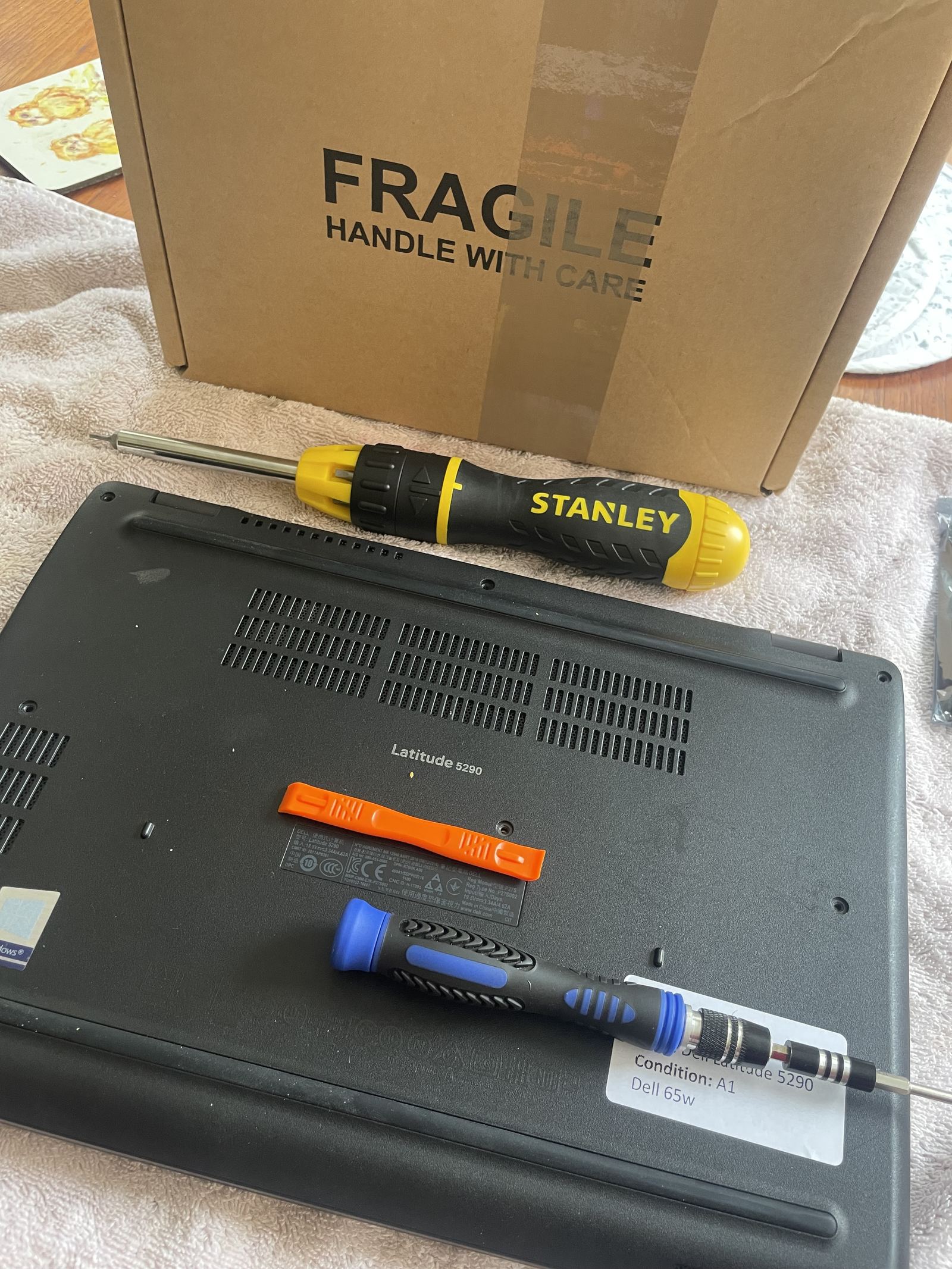
A towel, so the lid does not pick up scratches. A ratchet driver and a precision driver, a plastic pry tool, and tweezers. The replacement part stays in its box and its anti-static bag until it is needed, and the machine is switched off and unplugged before the first screw comes out.
Step one: the base comes off
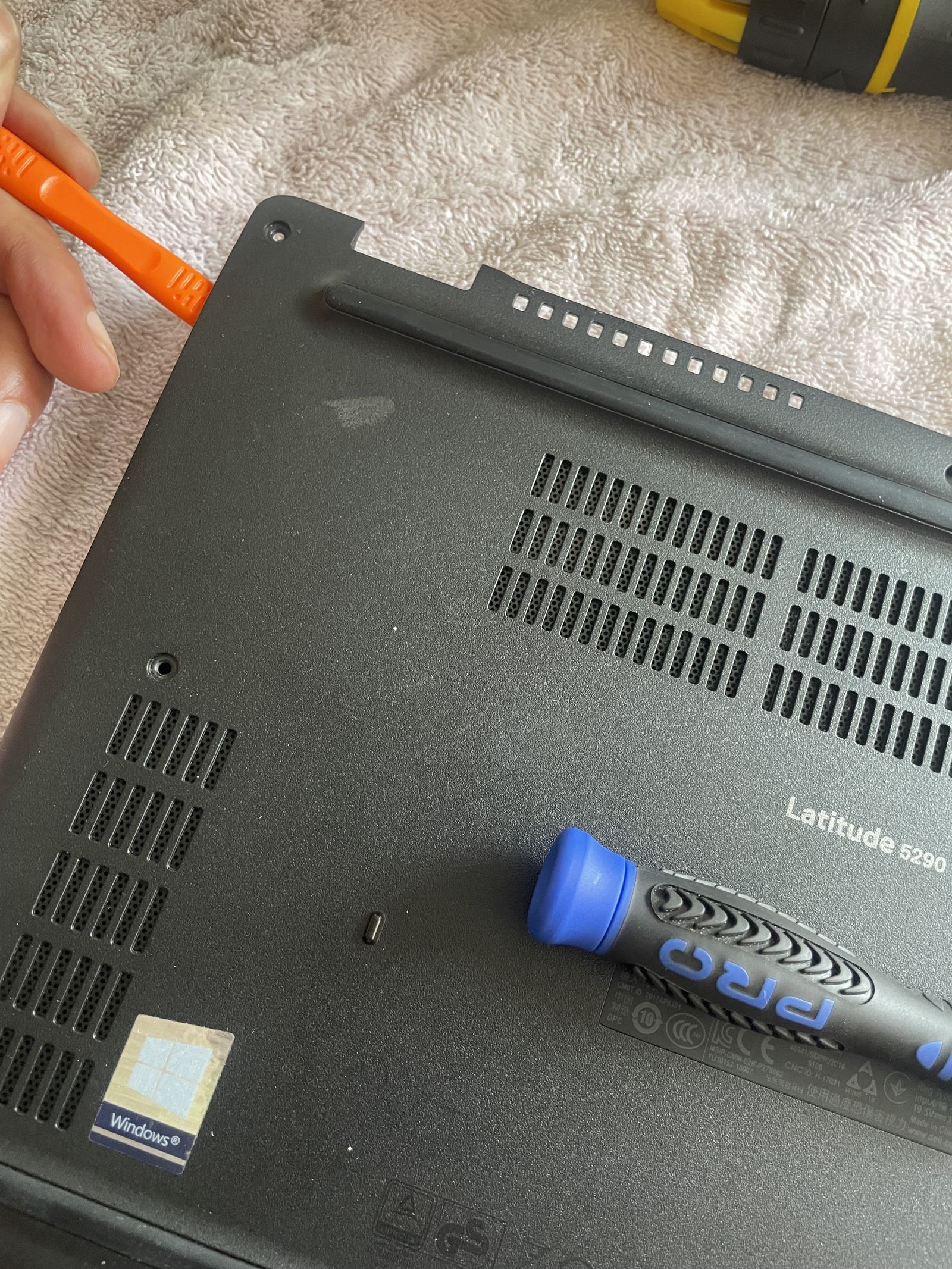
The base of a Latitude is held by screws around the edge. Once they are out, the base is released along the seam with the plastic tool, working around the edge rather than levering hard in one place. Plastic, not metal, because metal marks the case and can nick the board underneath.
Step two: disconnect the battery before anything else
With the base off, the inside of the machine is in front of you: the fan and heatsink across the top, the memory module and wireless card in the middle, and the battery across the bottom. Before a single other component is touched, the battery cable is disconnected from the board.
The battery is disconnected before anything else is touched, and Dell prints that instruction on the battery itself. The label on the new cell reads “Disconnect the battery before accessing any parts or devices”, and underneath it, a note that a longer start-up can happen if the battery cable was disconnected. Both are worth reading before you start, not after.
Step three: the old cell out
The old cell is held by a handful of screws along its edge. Out they come, and the battery lifts away.
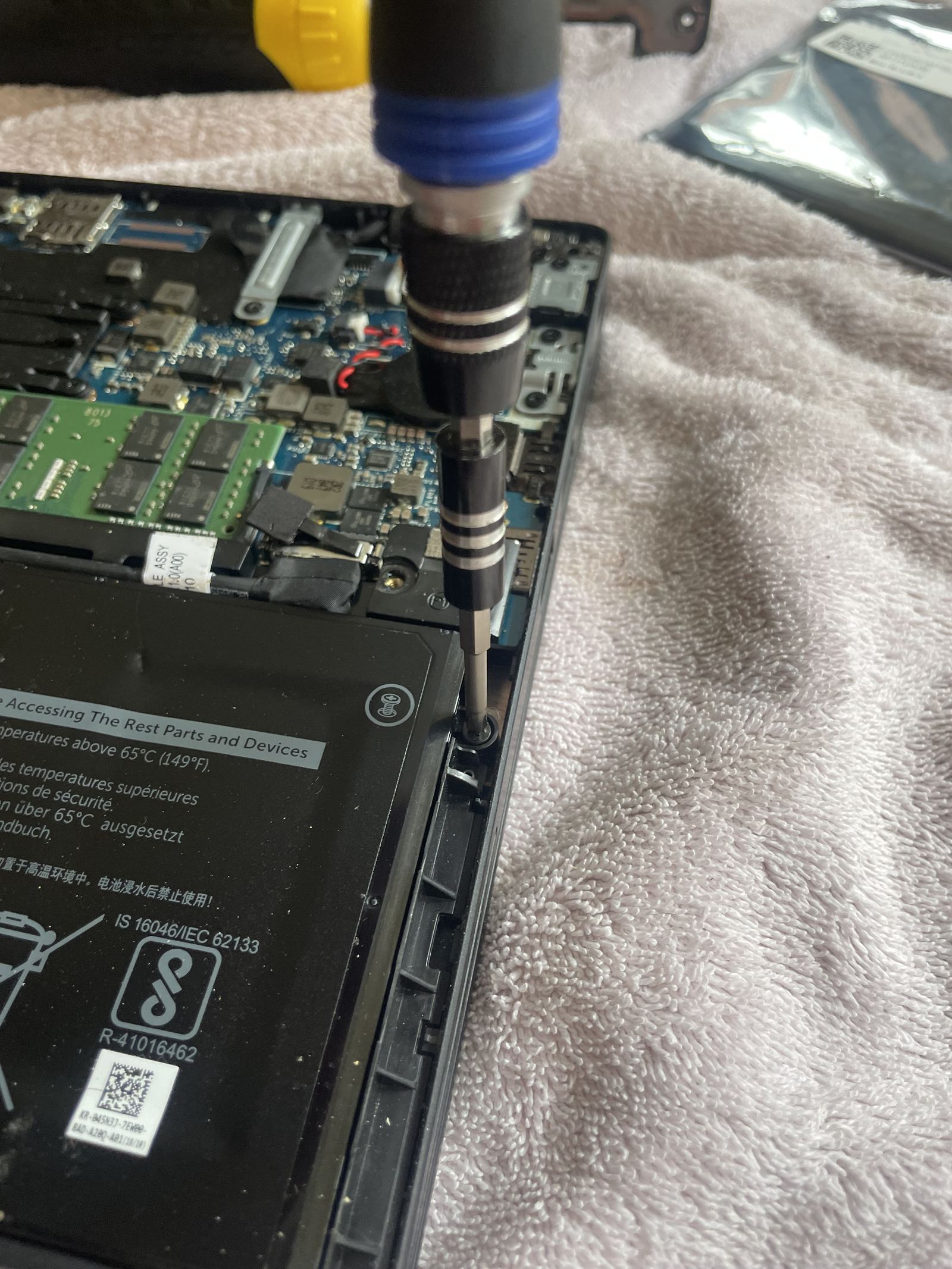
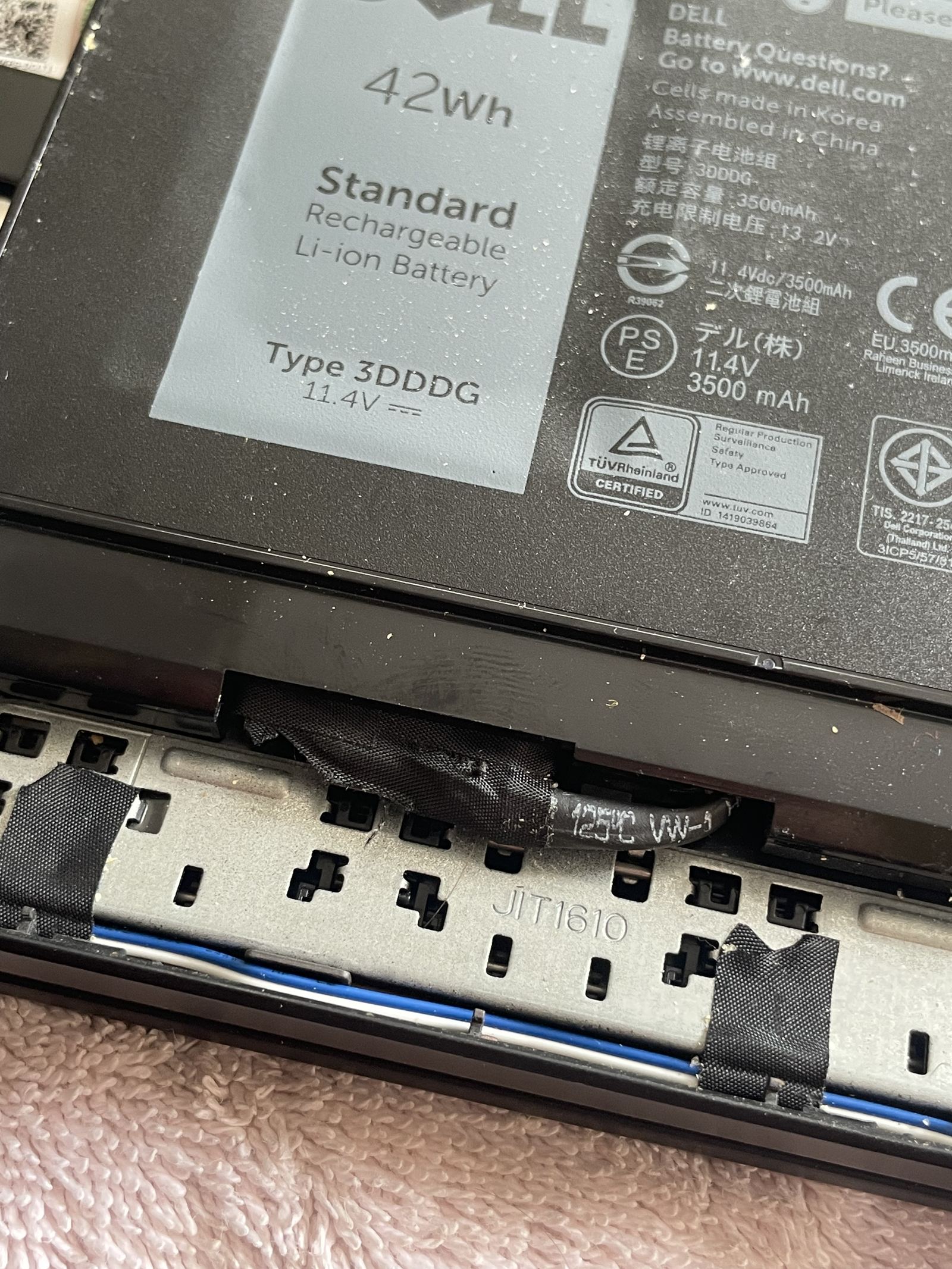
This one was the original: a Dell Type 3DDDG, 42 Wh, rated 11.4 V and 3,500 mAh on its own label.
Step four: the new cell, straight from the bag
The replacement stays sealed in its anti-static bag until the moment it is fitted. The bag is not decoration: the warning labels on it are about static, and the inside of a laptop is exactly where a careless static discharge does damage you cannot see.
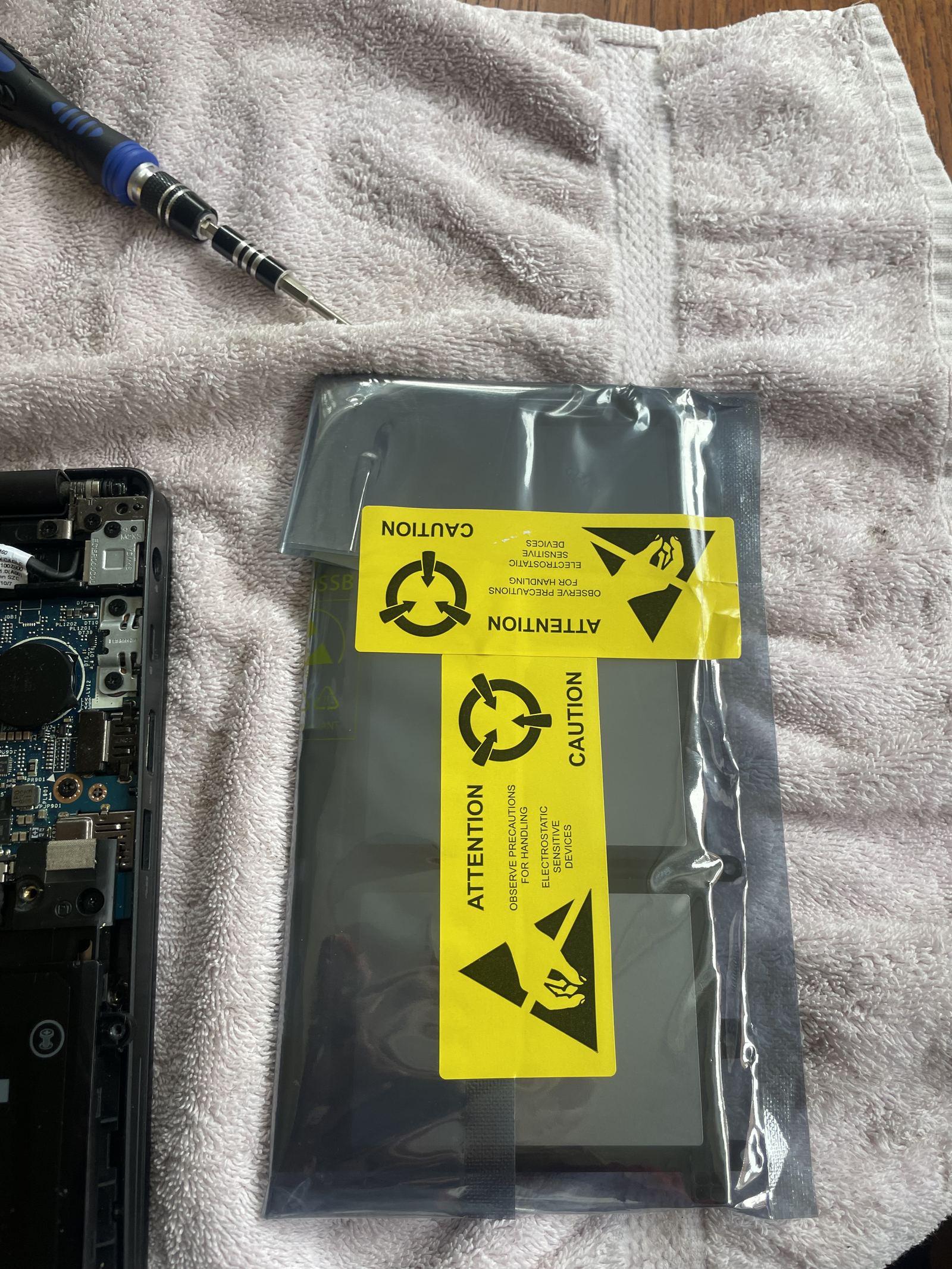
The new cell is a 51 Wh, 4,254 mAh Dell Type 93FTF. That is a higher capacity than the cell that came out, and it fits because this chassis is built to take it: same mounting points, same connector. That is not true of every laptop, so it is a thing to check for your exact model, never an assumption.
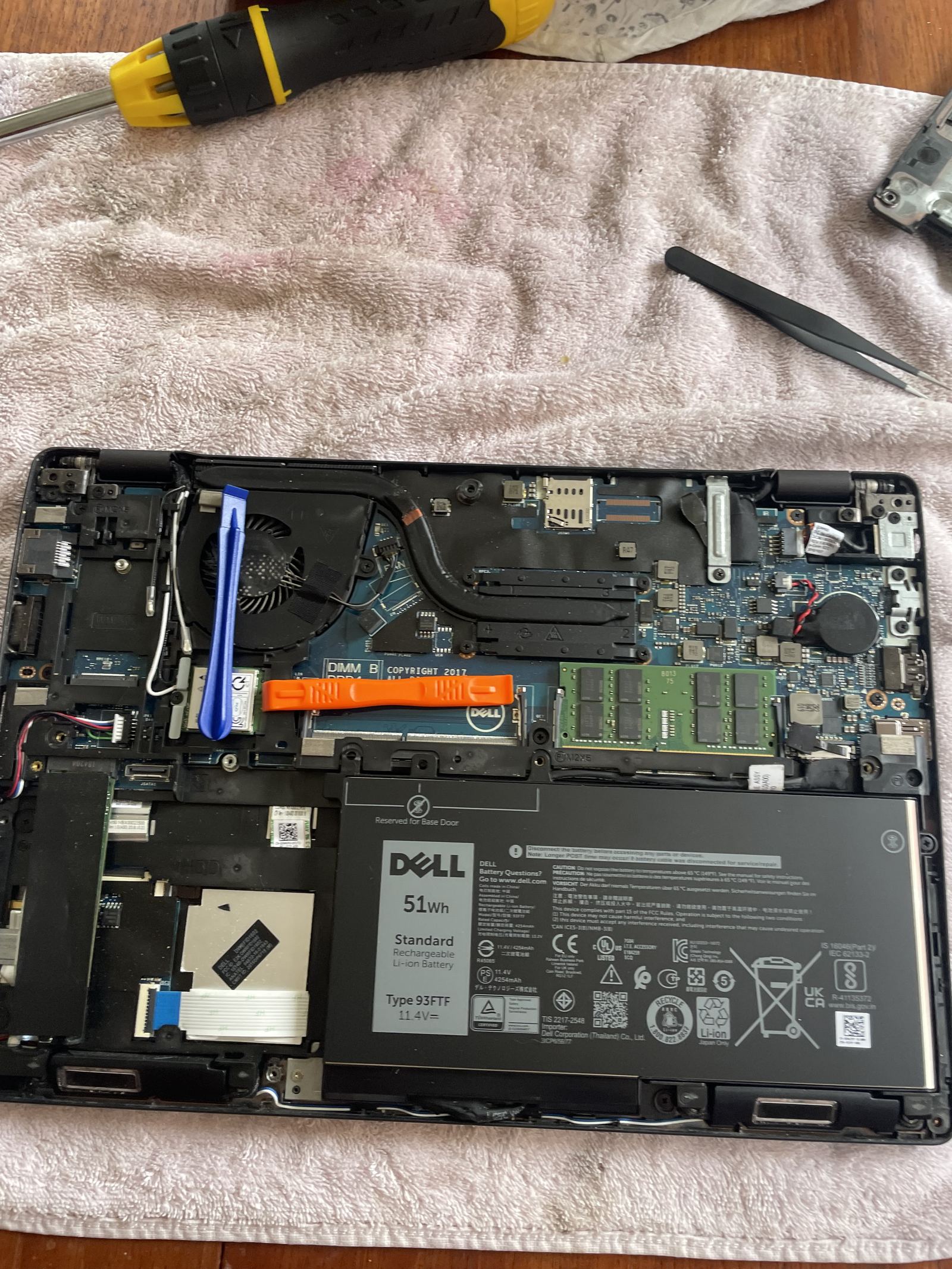
A battery that has started to swell is not a battery job you wait on. A worn one is. Either way the fitting is the same: the cell goes in, the screws go back, the cable is reconnected last, and the base goes on.
Step five: the first charge, and the checks
The first boot after a battery has been disconnected can take longer than usual. Dell says as much on the label. After that, the machine goes on charge until it is full, and the battery report is checked to confirm the new capacity is being read correctly. Only then is it finished.
Before it goes back into use we also check the things that are easy to disturb with the base off: that the fan spins up, that the wireless card is still seated, and that nothing was left loose.
What it costs, and when not to bother
The diagnosis is free, and you get one fixed quote before anything is opened. The price moves with the machine and the cell it needs, not with how long we take. And if the laptop is old enough that a new battery would be the first of several repairs, we will say so plainly, because a battery in a machine that is about to fail elsewhere is money spent twice.
If your laptop lasts minutes off the charger, says it is plugged in and still drains, or has started to bulge, laptop repair in Leeds is where to start. The swollen ones, ring today.
Questions people ask
How do I know my laptop battery needs replacing?
The honest signs are runtime that has collapsed compared with what the machine used to manage, a battery that reads as plugged in but will not charge, a machine that shuts off the moment the charger is unplugged, or a case that has started to bulge. The first three are worth a free diagnosis. The last one is urgent: stop charging it, switch it off, and ring.
Can I fit a laptop battery myself?
On many machines it is a screwdriver-and-patience job, and this guide shows what it involves. The parts that catch people out are prising the base without damaging the clips, disconnecting the battery before touching anything else, and buying the right cell. If the case is swollen, do not open it yourself at all.
Does a bigger battery fit the same laptop?
Sometimes. Manufacturers often build one chassis to take more than one battery option, which is how a 42 Wh cell came out of this Latitude and a 51 Wh cell went in. It only works where the chassis, the connector and the mounting points are designed for it, so it is a question to check for your exact model, not an assumption.
Why does the laptop take longer to start after a battery replacement?
Because the battery was disconnected. Dell says so on the battery label: a longer start-up can happen after the battery cable has been off. It sorts itself out after the first full boot, and it is not a sign that anything went wrong.
What does a laptop battery replacement cost?
The diagnosis is free, and you get one fixed quote before anything is opened. The price moves with the machine and the cell it needs, not with how long we take, and if we cannot fix it you pay nothing.
The diagnosis is always free
Not sure what your machine needs? Ask.
Tell us the fault and we will tell you straight: what is wrong, what it will cost, and whether it is worth doing. A fixed quote before any work, and no fix, no fee.
We do this in person across Leeds and West Yorkshire, day or night, Sunday to Friday.