Phones, tablets and televisions
Phones, tablets and televisions fail in their own ways, and the first checks are quick.
These guides start with the torch test that tells you in ten seconds whether a television with sound but no picture has lost its backlight, what a blinking standby light means, and the five reasons a phone will not charge, cheapest first. Others explain what genuine, compatible and used parts mean on a phone, how to check a phone's battery health, and how to wipe a phone or tablet before you sell it.
The guides
6 guides on this, newest first.
-
How to check battery health on a laptop, an iPhone or an Android phone
Where Windows, macOS, iPhone, Pixel and Samsung show battery health, what the figures mean, the 80 per cent mark the makers use, and when to replace one.
-
Genuine, compatible or used parts: what each means for your phone or laptop repair
What genuine, compatible and used parts mean for a phone or laptop repair, what an iPhone records afterwards, and what to ask before you agree a quote.
-
Selling, recycling or giving away a laptop or phone: how to wipe it properly
How to wipe a Windows laptop, Mac, iPhone or Android phone before it goes: back up, sign out, erase, take out the SIM, and recycle it properly in the UK.
-
Phone will not charge? The five causes, cheapest first
A phone that will not charge is one of five things, and the cheap ones are the common ones: the cable, the plug, lint in the port, the port itself, or the battery. How to work through them in order at home, what each one looks like, and when it stops being a job for a toothpick.
-
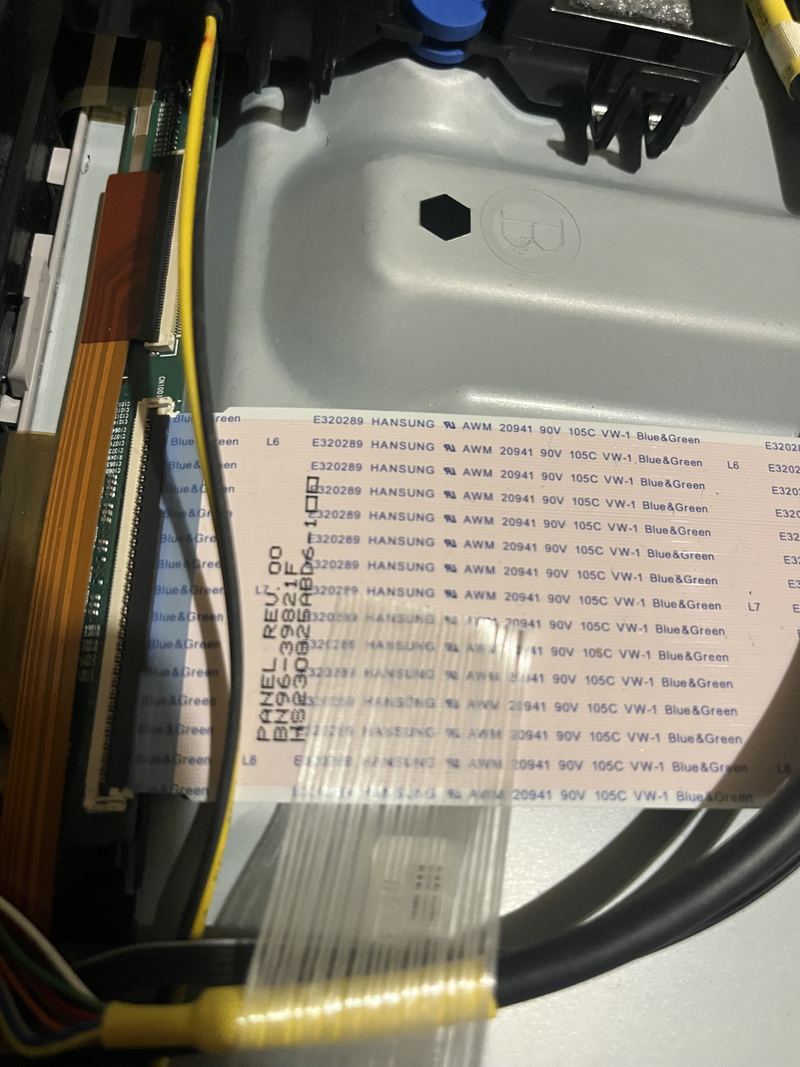
Sound but no picture on your TV? The torch test tells you in ten seconds
A black screen with the sound still playing is one of two very different faults. A torch, a dark room and ten seconds tell you which one you have before anyone comes out.
-
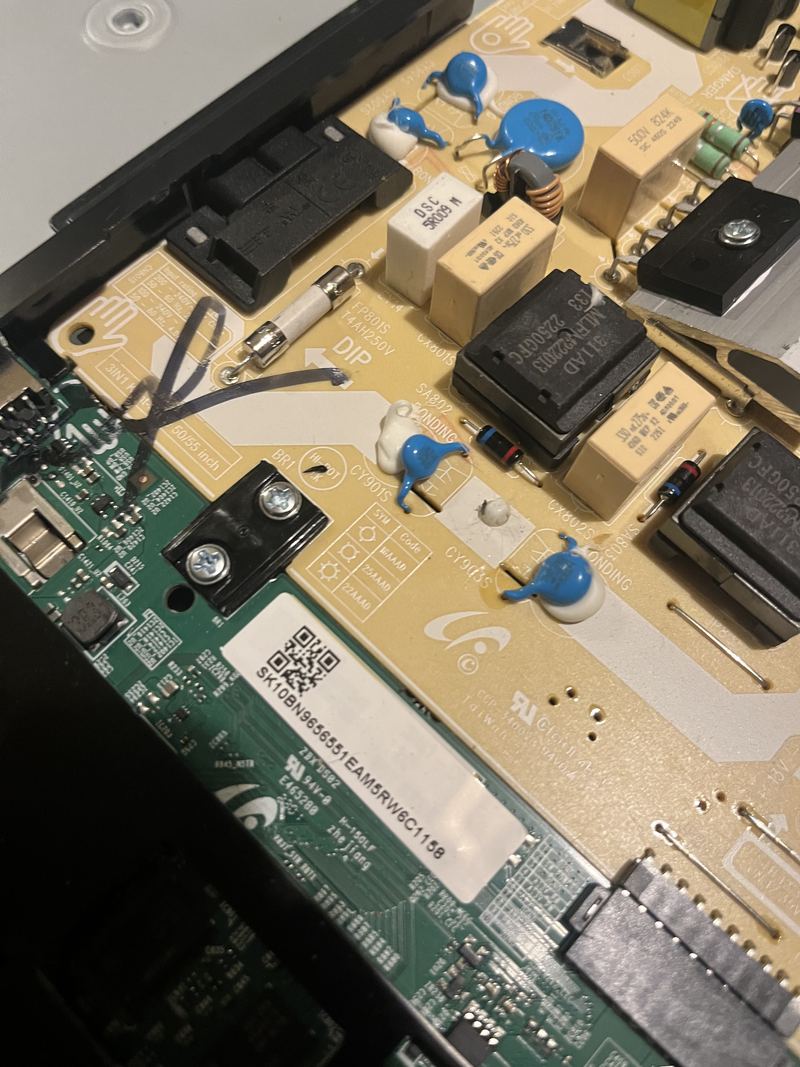
TV will not turn on, or the standby light just blinks
Nothing when you press power, or a standby light blinking the same count over and over. What is worth trying yourself, and the one split that decides whether a set is worth fixing.


Get it fixed
When reading is not enough.
Repairs
- TV repairNo picture, no power, no sound, or a smart TV that will not set up? We find the fault and tell you straight whether it is worth fixing.
- Phone repairCracked screen, dying battery, or a port that will not charge? We find the real fault and quote you a fixed price before any work starts.
- Tablet repairiPad or Android tablet with a cracked screen, a swollen battery, a dead charging port, or one that will not turn on? A free first opinion, a £50 call-out agreed before we travel, then a fixed quote before any work starts.
Common problems
Every topic
Reading is free. So is a first opinion.
Tell us the fault and you get a first opinion, free: what it sounds like, whether it is worth doing, and what it is likely to cost. A photo of the screen or the machine helps. A visit has a £50 call-out, agreed before we travel, which is the first £50 of the job rather than an extra on top. You get one fixed quote, agreed in writing, before any work starts. If we cannot fix the fault we quoted for, you pay nothing for the repair. No Fix, No Fee covers the repair, not the call-out.