Photographs of our work
Every photograph on this site is our own, taken on a real job: the back off a television at the customer's door, a burnt component on a laptop board, a new battery going into a Dell. Nothing here is stock, and each one opens the job or the guide it came from.
Laptops and computers 14
-
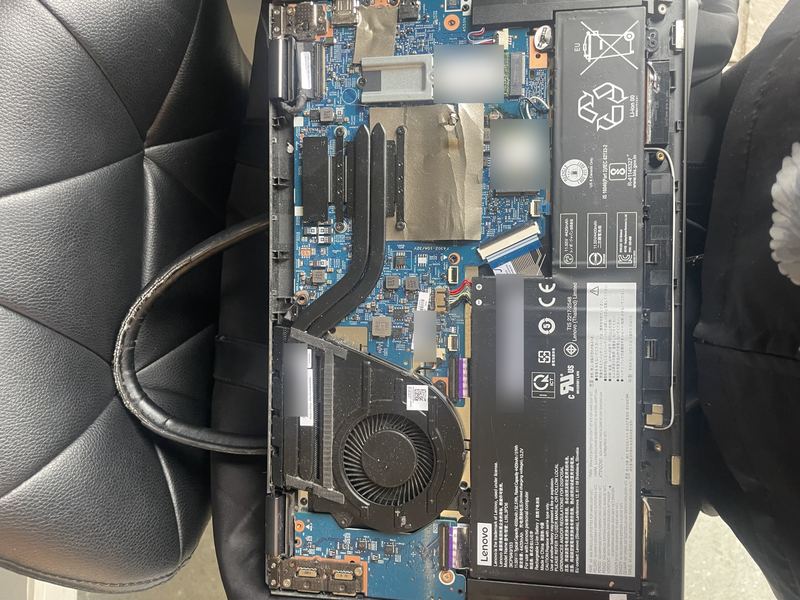
A Lenovo laptop with its base removed, lying on a black chair: the blue mainboard with its fan and heatsink on the left, the black battery pack with its labels on the right. From: A laptop that would not turn on, opened up -
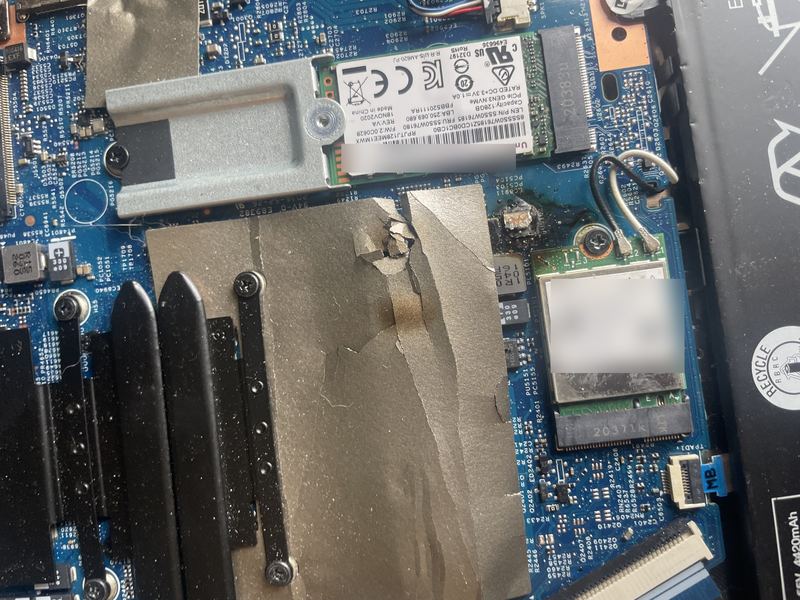
A close-up of the mainboard: an M.2 SSD under a metal bracket at the top and, below it, a burnt component with scorched and torn shielding foil beside the Wi-Fi card. From: A laptop that would not turn on, opened up -
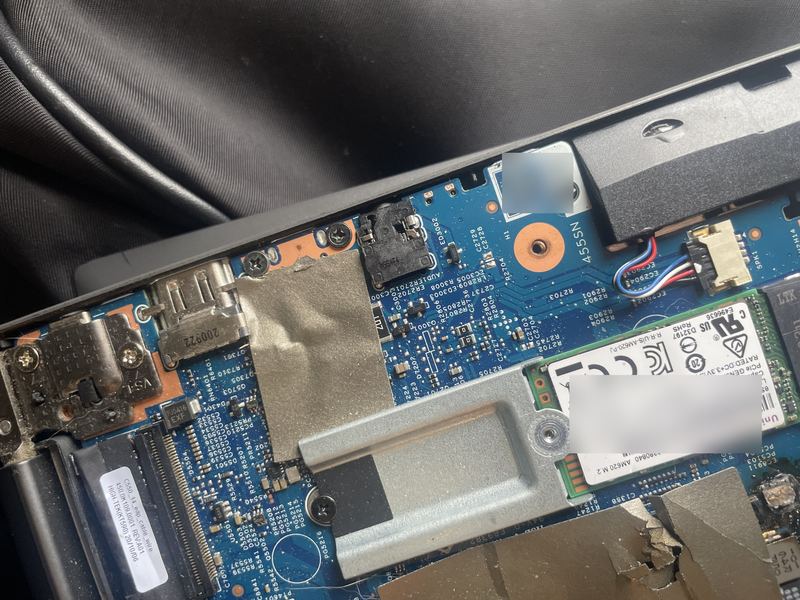
The edge of the mainboard by the hinge: the HDMI port, the headphone socket, a speaker cable and the SSD, with torn copper-coloured shielding to the lower right. From: A laptop that would not turn on, opened up -
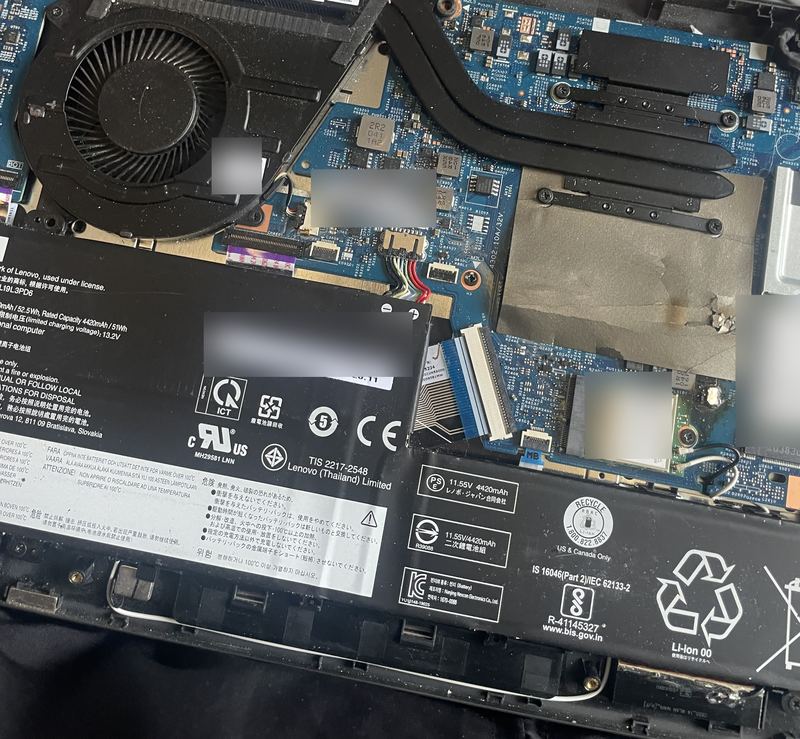
The opened laptop from above: the fan and heatsink at the top left, the battery pack across the bottom with its labels, and the SSD at the right edge. From: A laptop that would not turn on, opened up -
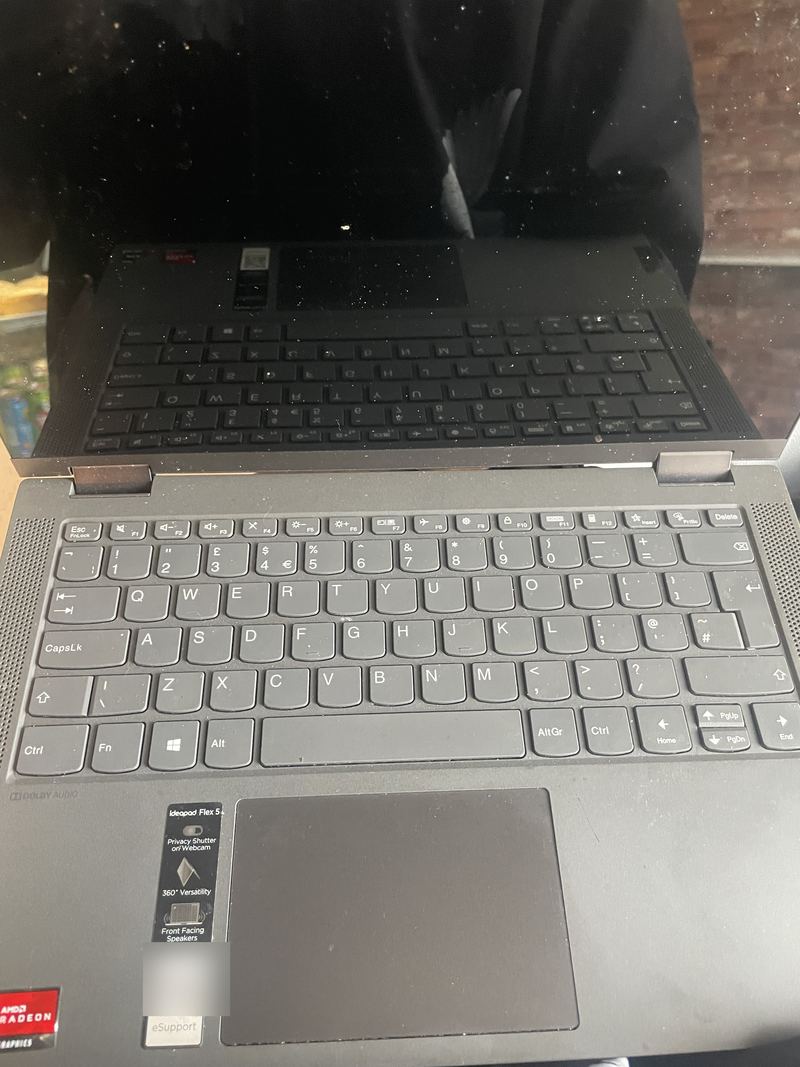
The laptop open flat with its screen dark, showing the keyboard and the IdeaPad Flex 5 stickers on the palm rest. From: A laptop that would not turn on, opened up -
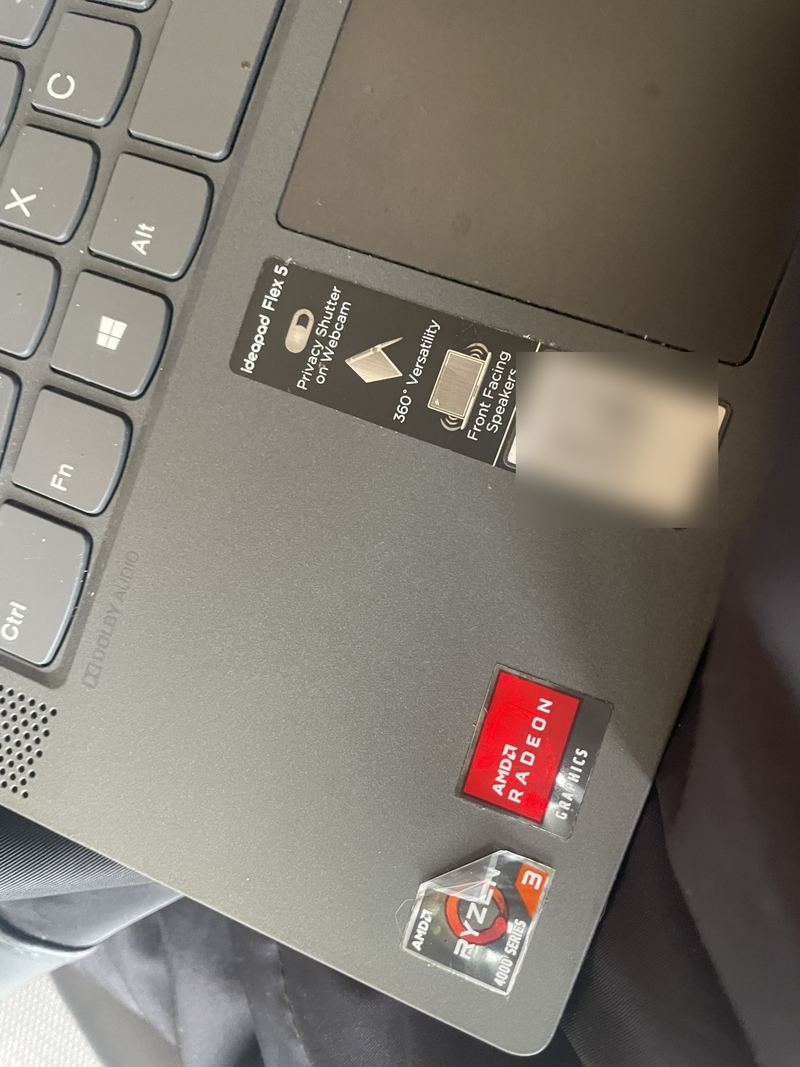
The palm rest stickers: IdeaPad Flex 5, AMD Radeon Graphics and AMD Ryzen 3 4000 Series, with the Lenovo support code blurred. From: A laptop that would not turn on, opened up -
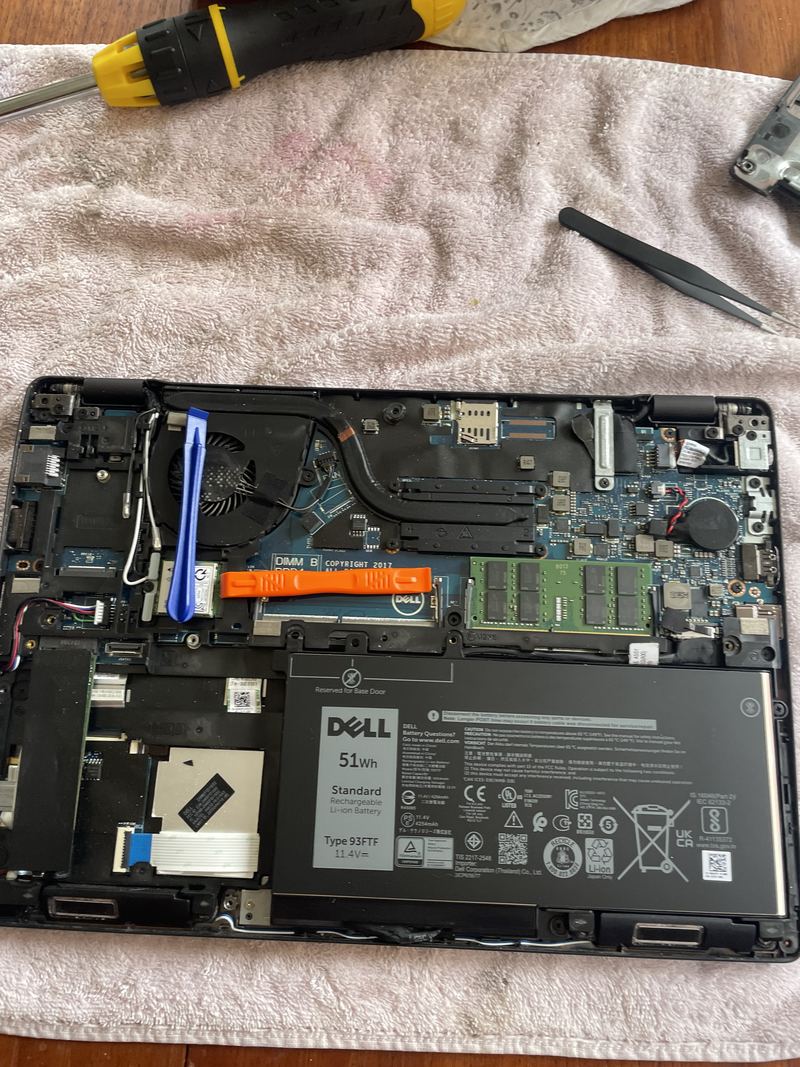
A Dell Latitude 5290 with its base removed: the new 51 Wh battery fitted across the lower half, the memory module and fan above it, a blue plastic pry tool and tweezers beside the machine. From: Laptop repair -
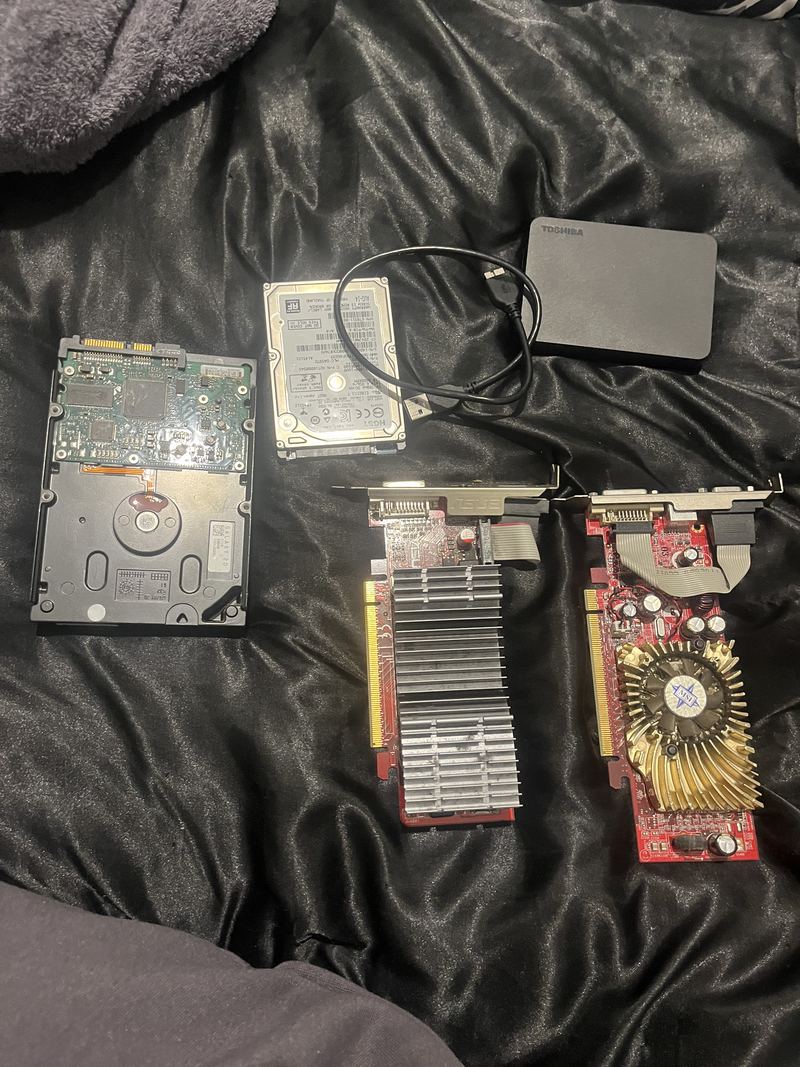
Two hard drives, one with its circuit board showing, a Toshiba portable drive with its cable, and two graphics cards laid out on a dark sheet. From: Computer upgrades -
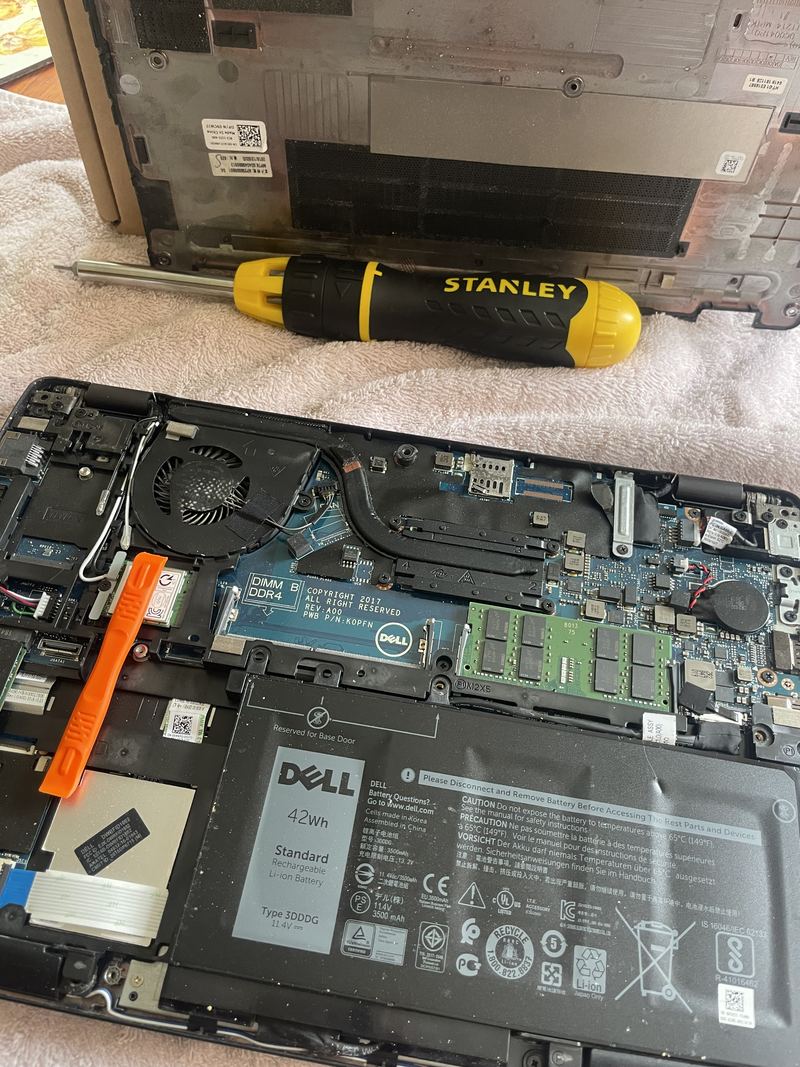
A Dell Latitude 5290 on a towel with its base removed: the fan and heatsink at the top, the memory module and wireless card in the middle, and the original 42 Wh battery still fitted across the bottom. From: Laptop battery replacement -
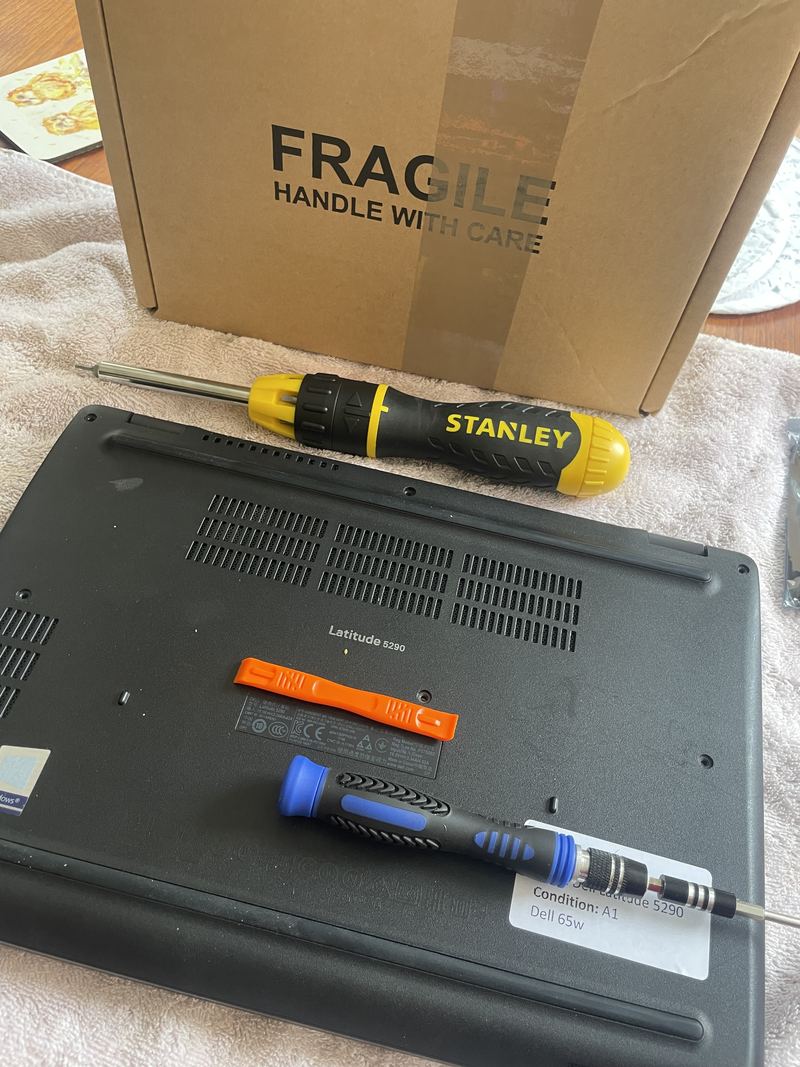
The laptop upside down on a towel, with a Stanley ratchet driver, a precision driver, an orange plastic pry tool and the boxed replacement part behind it. From: Replacing a laptop battery: a Dell Latitude 5290, start to finish -
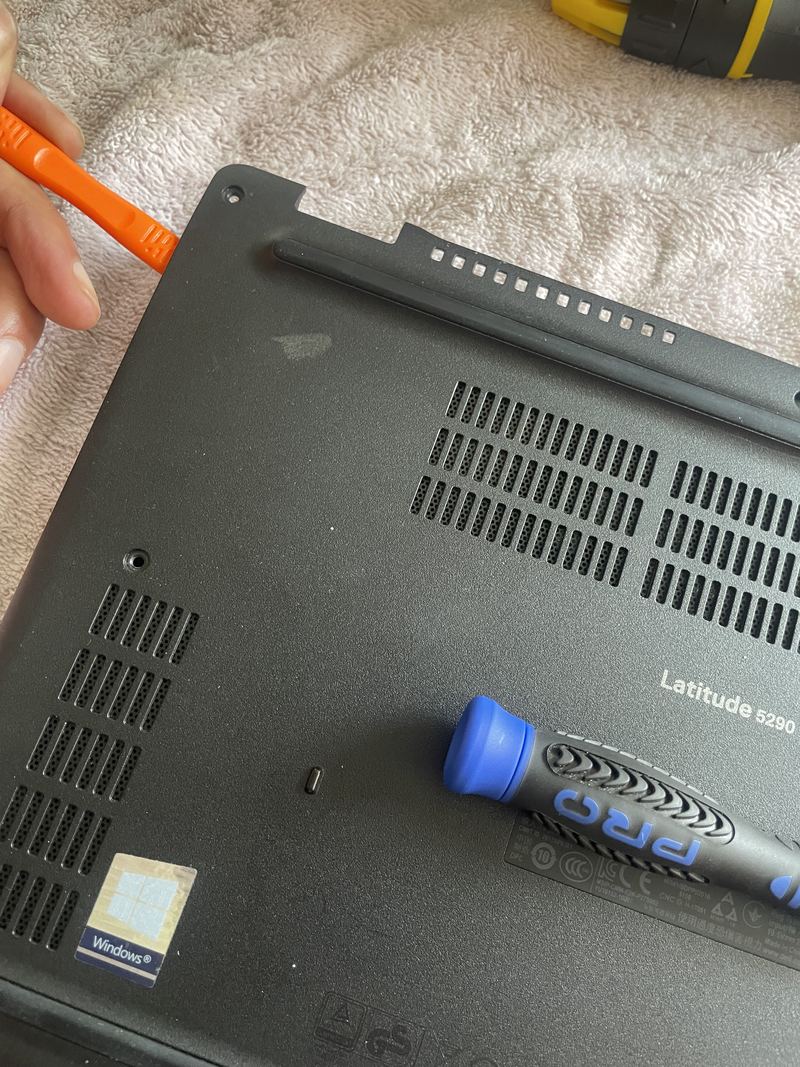
A hand working an orange plastic pry tool along the seam of the laptop's base, next to the rear vents. From: Replacing a laptop battery: a Dell Latitude 5290, start to finish -
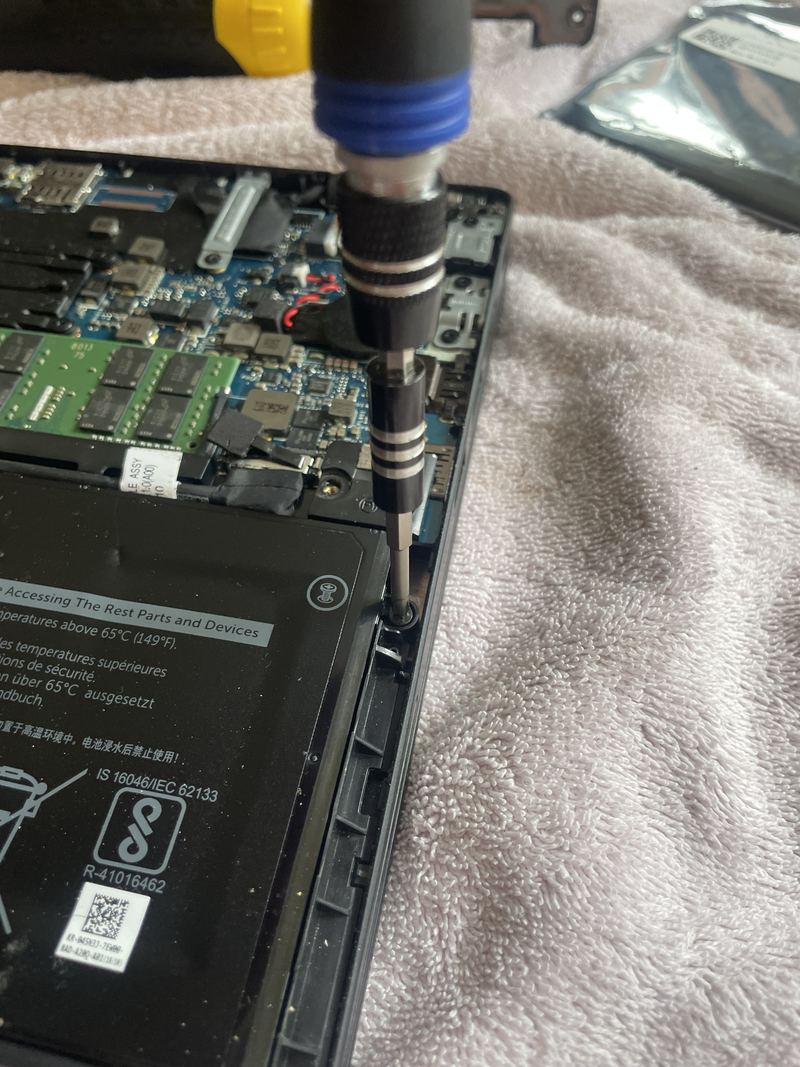
A precision driver on one of the screws at the edge of the battery, the memory module and board above it. From: Replacing a laptop battery: a Dell Latitude 5290, start to finish -
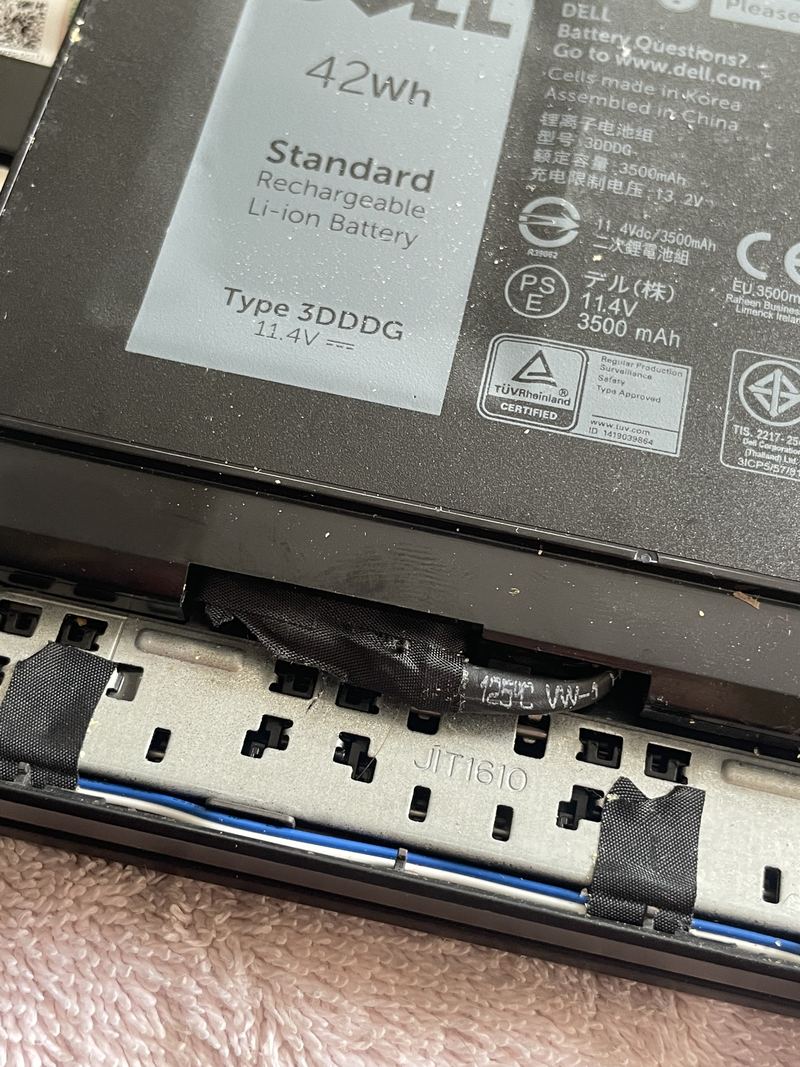
Close-up of the original battery's label: Dell, 42 Wh, Type 3DDDG, 11.4 V, 3,500 mAh, with the battery connector visible below it. From: Replacing a laptop battery: a Dell Latitude 5290, start to finish -
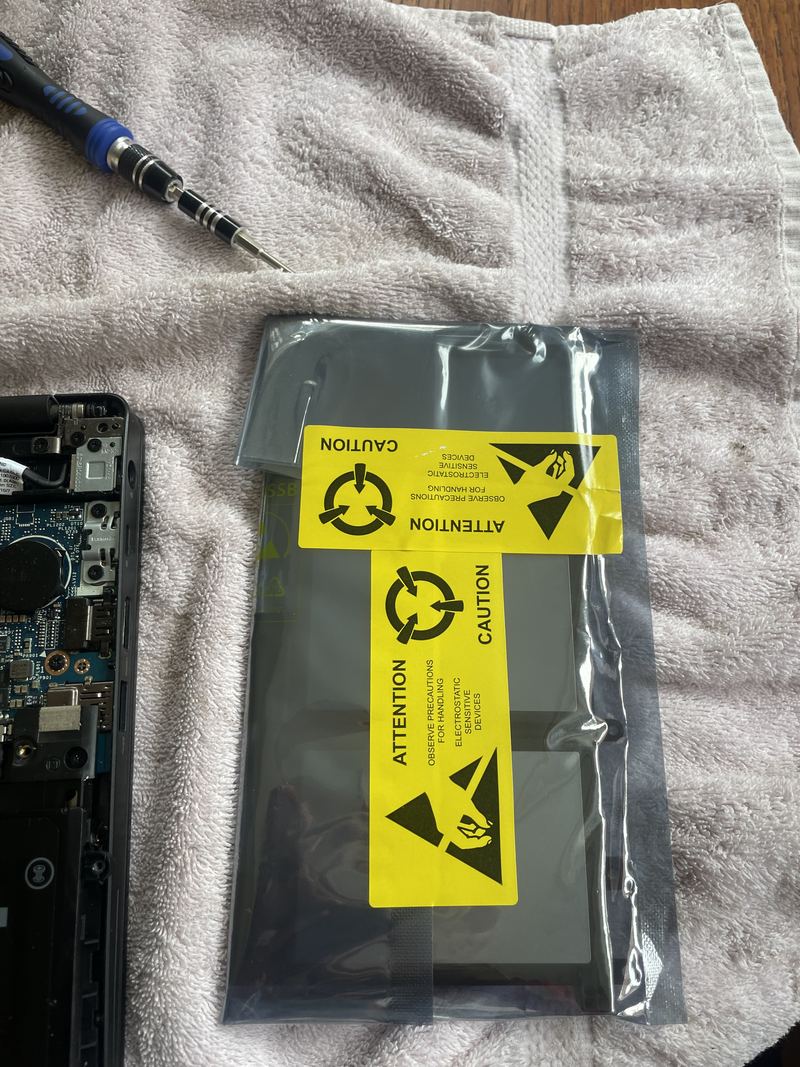
The replacement battery still sealed in its silver anti-static bag with yellow caution labels, lying on the towel beside the open laptop. From: Replacing a laptop battery: a Dell Latitude 5290, start to finish
Macs 1
-
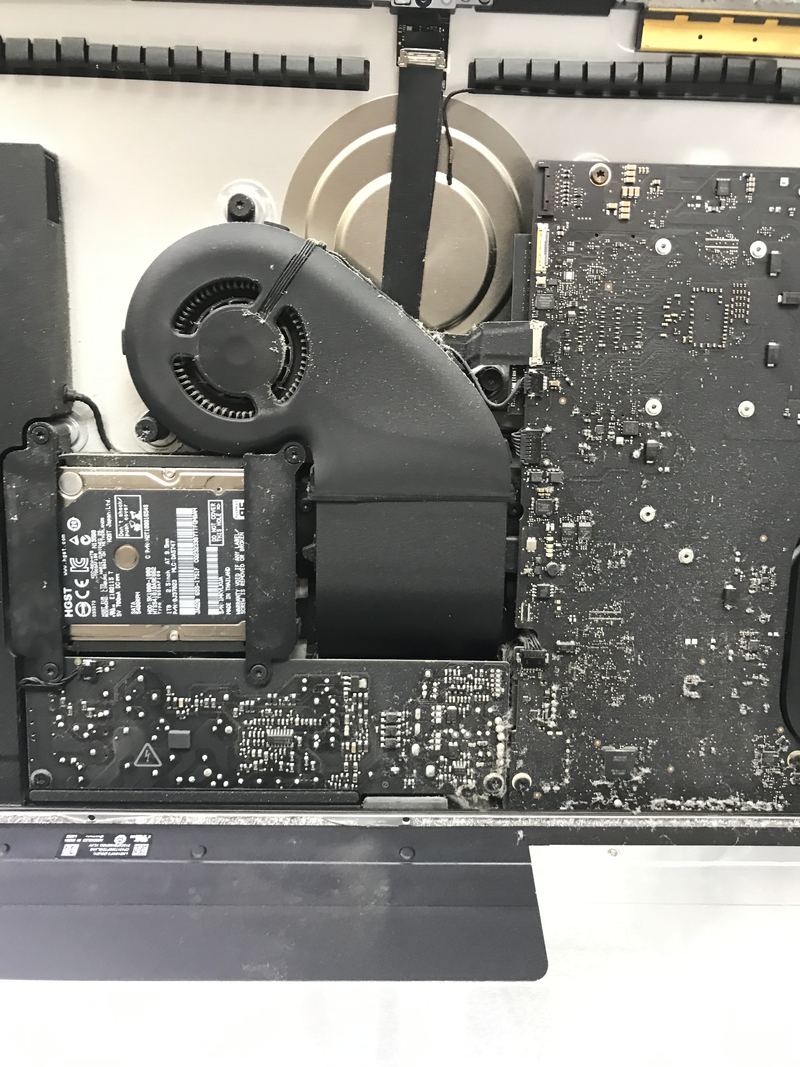
The inside of an opened Apple computer, showing the cooling fan and a 2.5-inch drive. From: Mac repair
Televisions 6
-
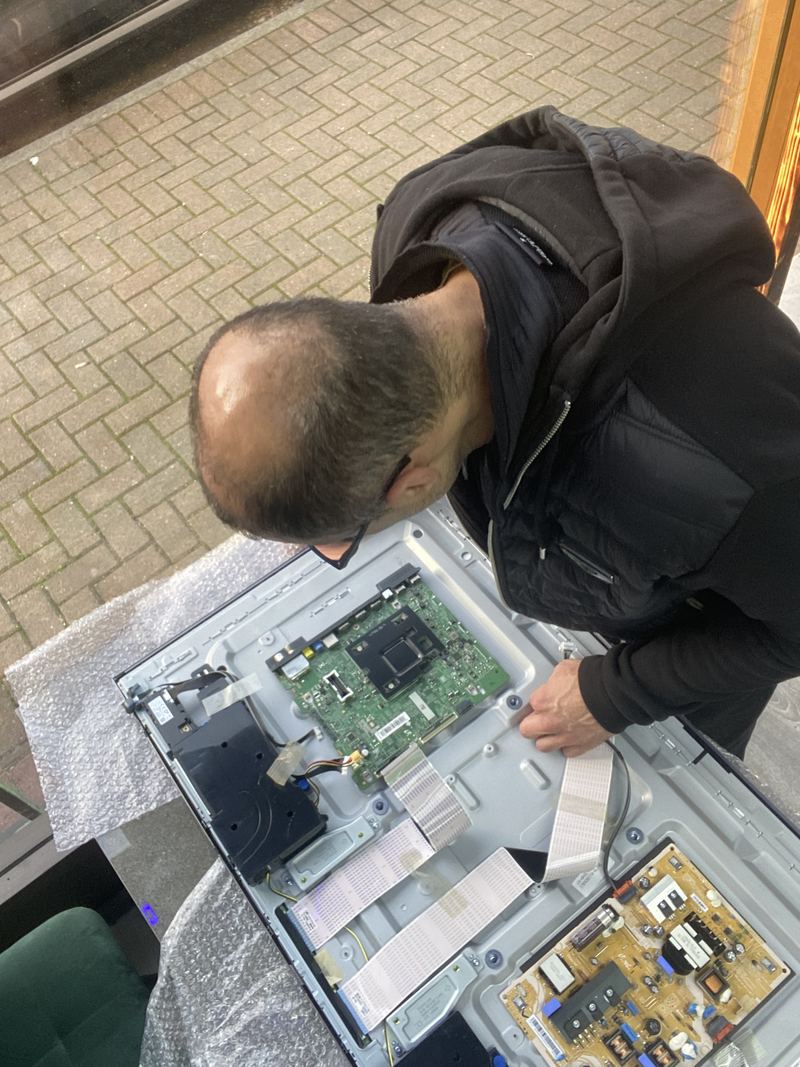
A JorTech technician bent over the opened rear panel of a television, working on the exposed mainboard, with the set lying on bubble wrap outdoors. From: A television opened at the door, and the board that runs it -
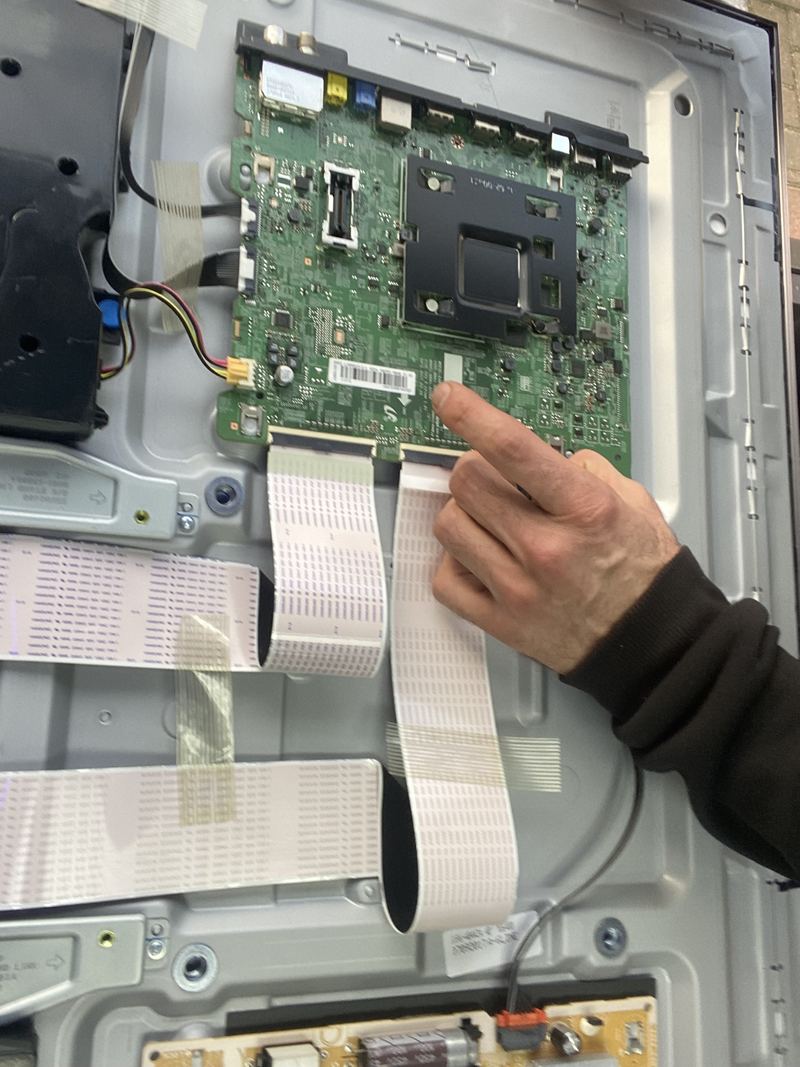
A technician's hand pointing at the mainboard inside an opened television, with the panel's ribbon cables fanned out below it. From: A television opened at the door, and the board that runs it -
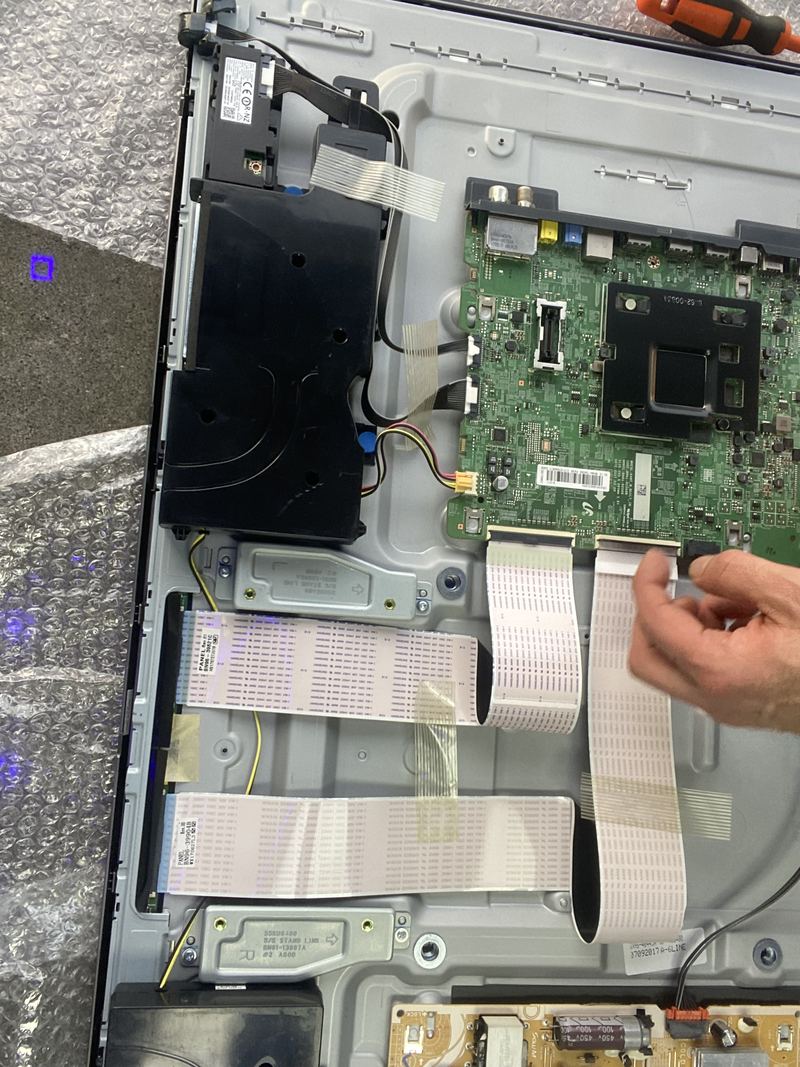
The ribbon cables from the mainboard to the panel's driver boards, taped down across the inside of a television's back, with a hand holding one. From: A television opened at the door, and the board that runs it -
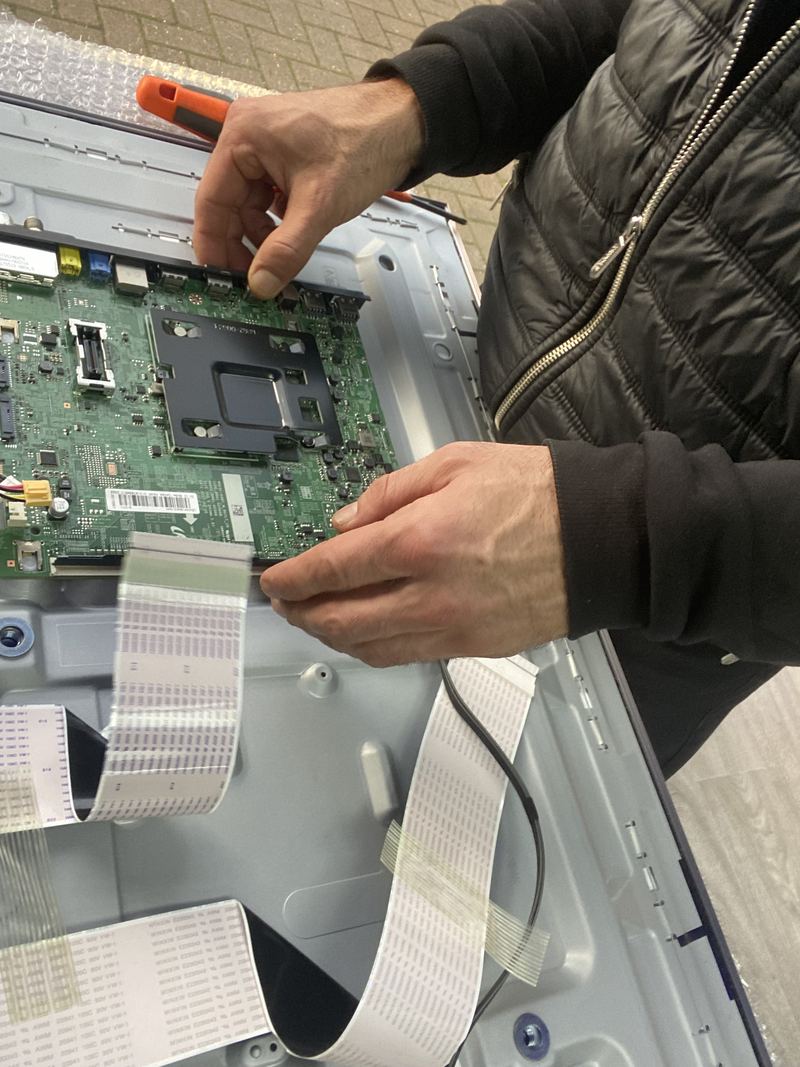
Two hands lifting the mainboard out of an opened television, a small orange pry tool resting on the frame above. From: A television opened at the door, and the board that runs it -
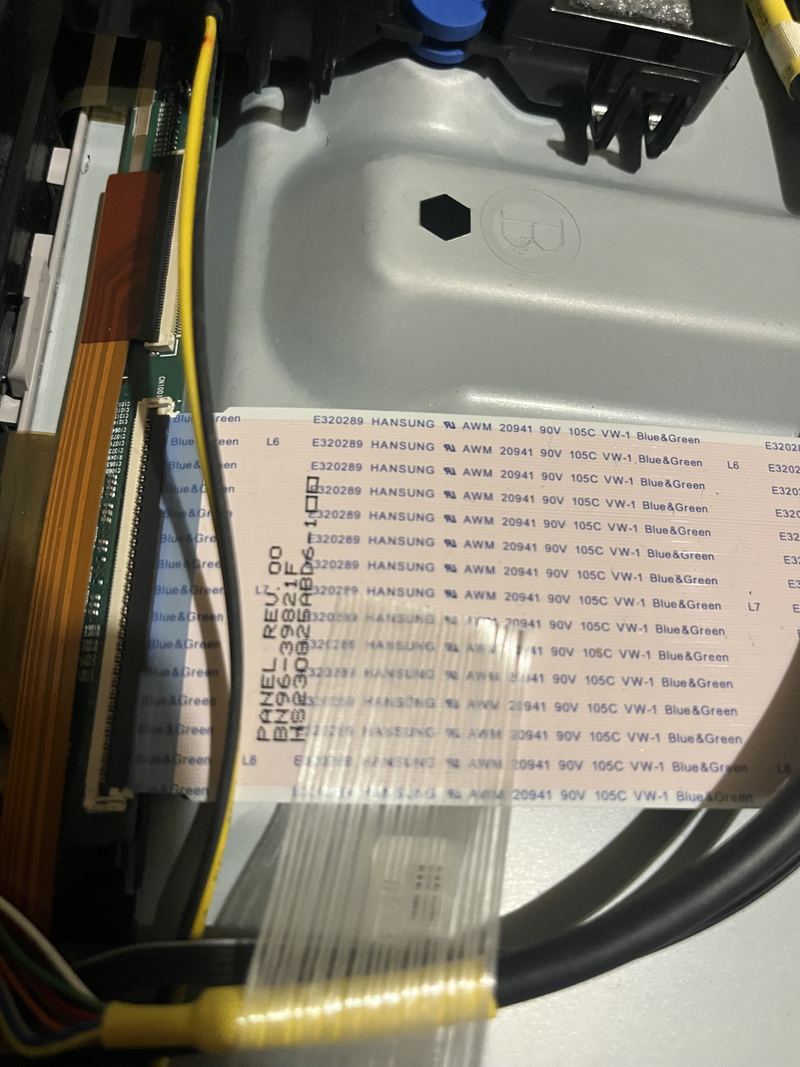
A close-up of the ribbon cables running into a television's panel driver board, with the panel's own part number printed along the cable. From: Sound but no picture on your TV? The torch test tells you in ten seconds -
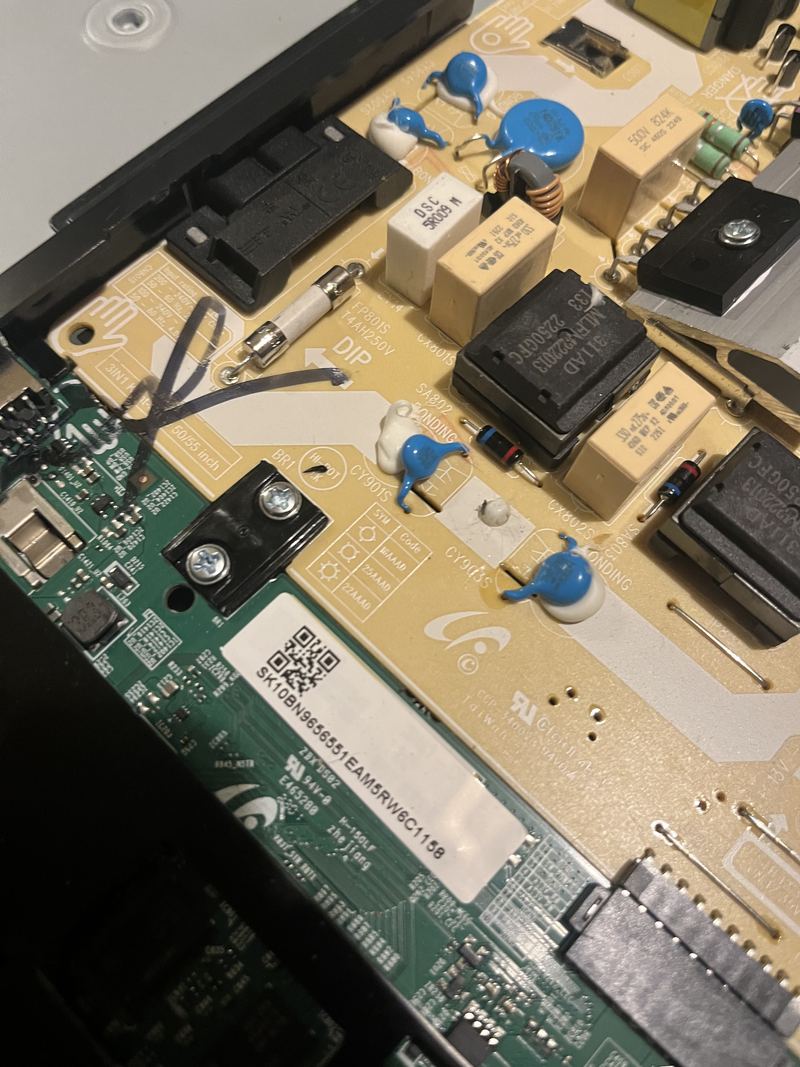
The power supply board inside a television, showing the mains fuse, capacitors and transformers. From: TV will not turn on, or the standby light just blinks
Games consoles 4
-
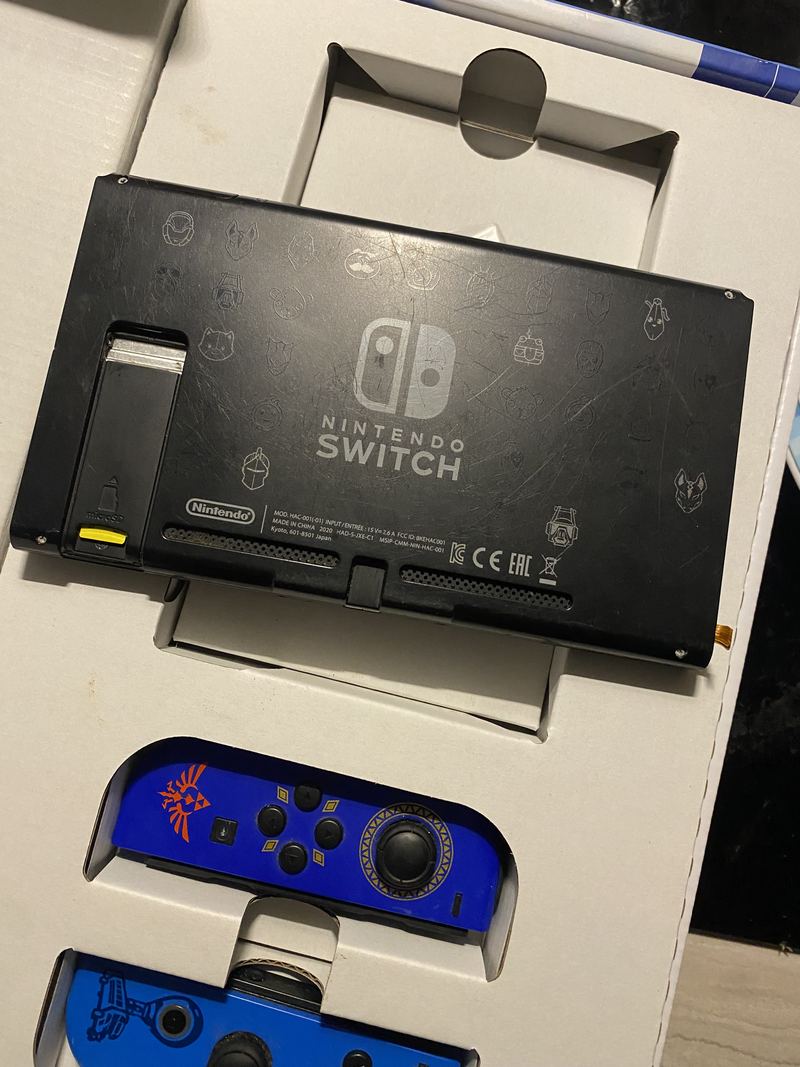
The back of a Nintendo Switch console lying in its box, with its blue controllers detached below it. From: A Nintendo Switch with a worn Joy-Con rail, opened on the bench -
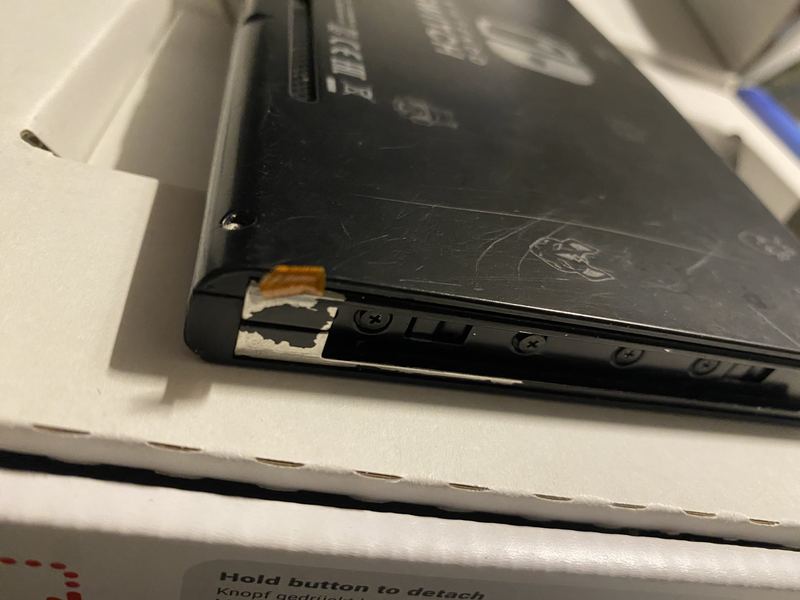
The edge of a Nintendo Switch console in its box, the metal rail that a Joy-Con slides onto showing wear and a small piece of tape near its end. From: A Nintendo Switch with a worn Joy-Con rail, opened on the bench -
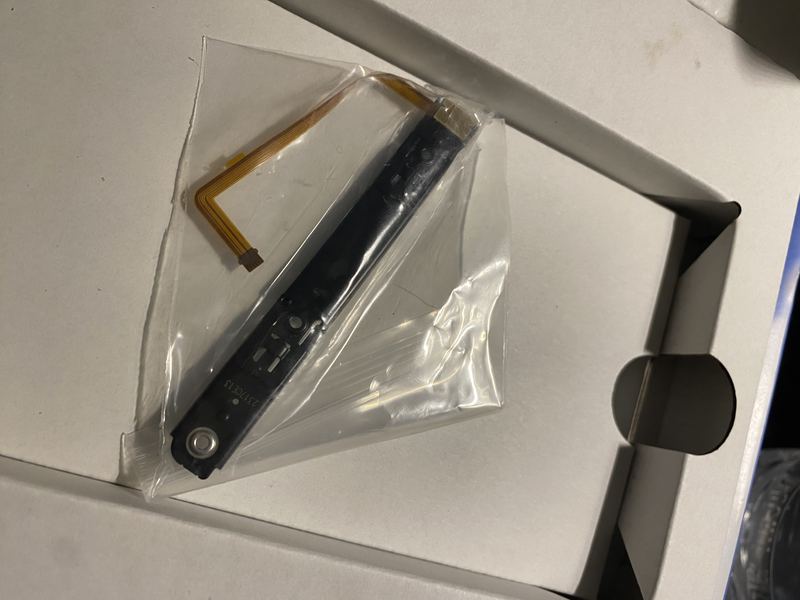
A new Joy-Con rail, a slim black metal slider with its orange ribbon cable attached, still in its clear bag on the box lid. From: A Nintendo Switch with a worn Joy-Con rail, opened on the bench -
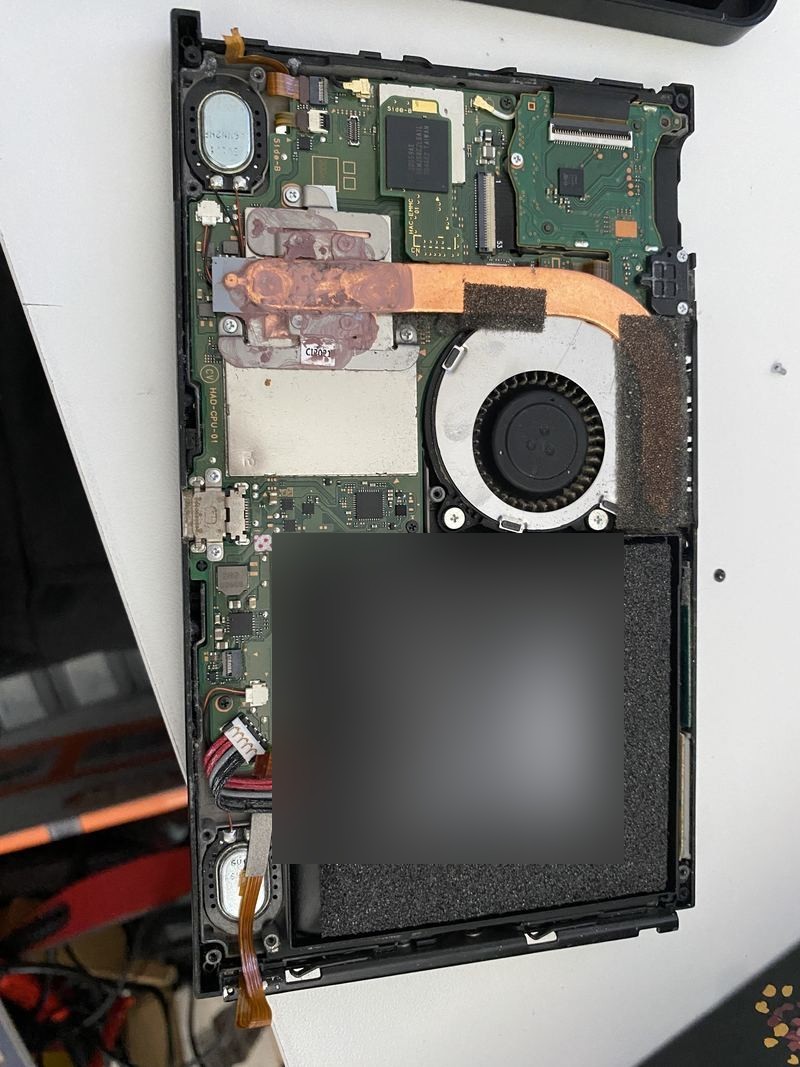
A Nintendo Switch with its back off: the battery across the lower half with its label blurred, the fan and the copper heat pipe above it, and the main board behind. From: A Nintendo Switch with a worn Joy-Con rail, opened on the bench
Printers 6
-
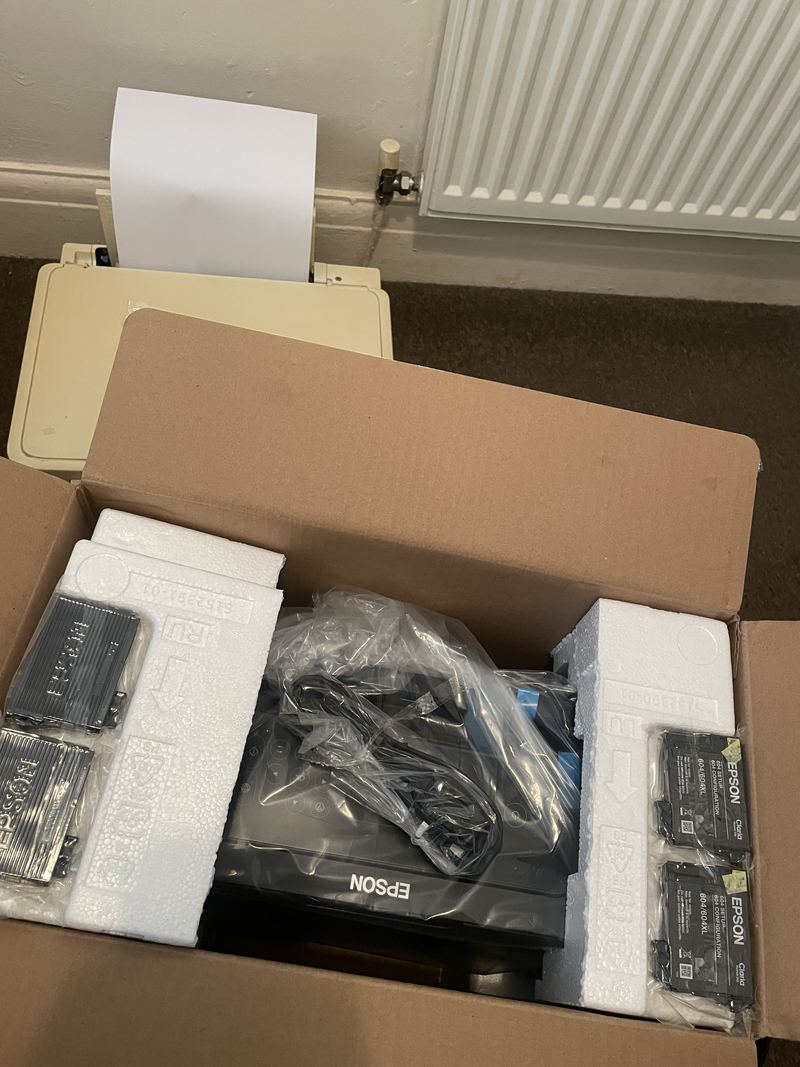
An older cream inkjet printer with a sheet of paper in it, beside a new Epson printer still in its opened box. From: A printer replaced and set up, where it lives -
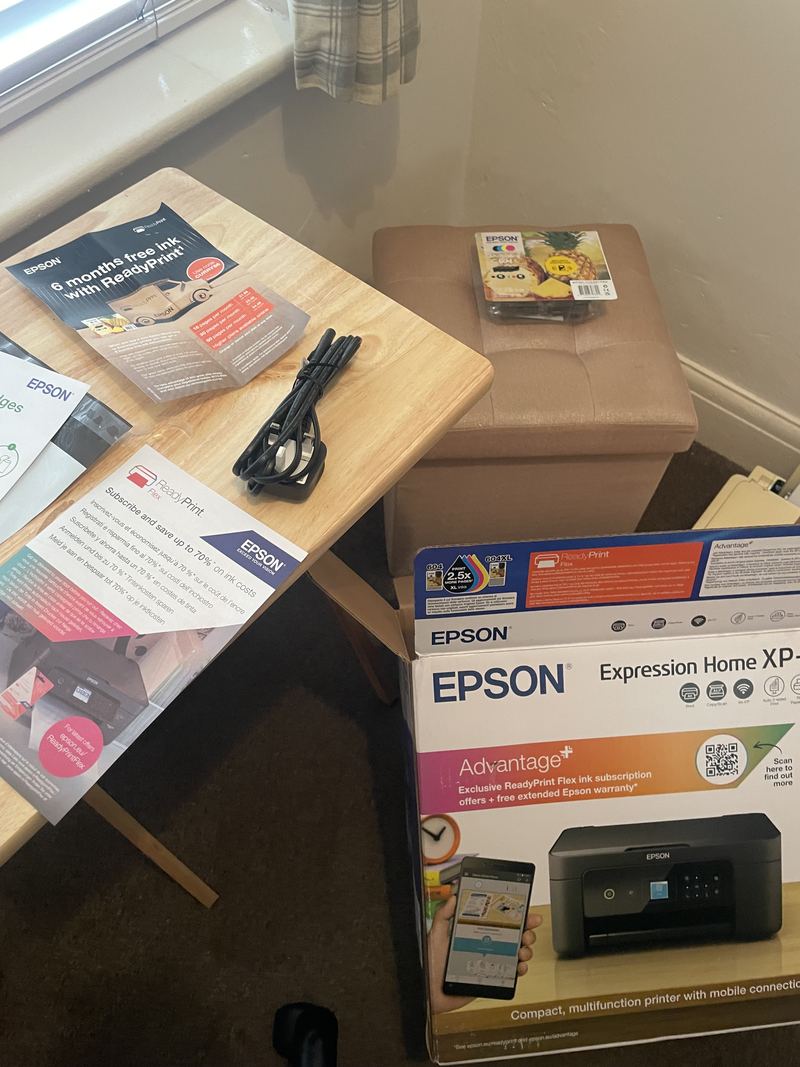
A power lead, a pack of Epson ink cartridges and the printer's leaflets laid out on a small table during unboxing. From: A printer replaced and set up, where it lives -
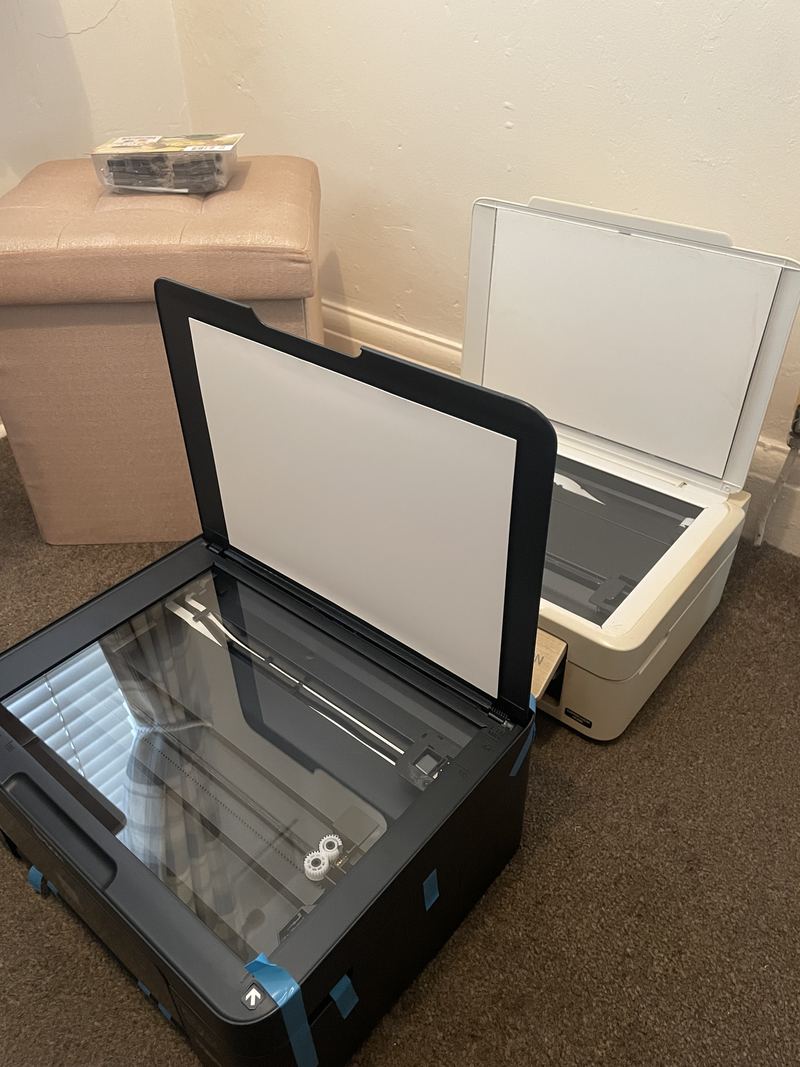
The new black Epson printer with its scanner lid open, the protective tape still on, standing beside the old white printer. From: A printer replaced and set up, where it lives -
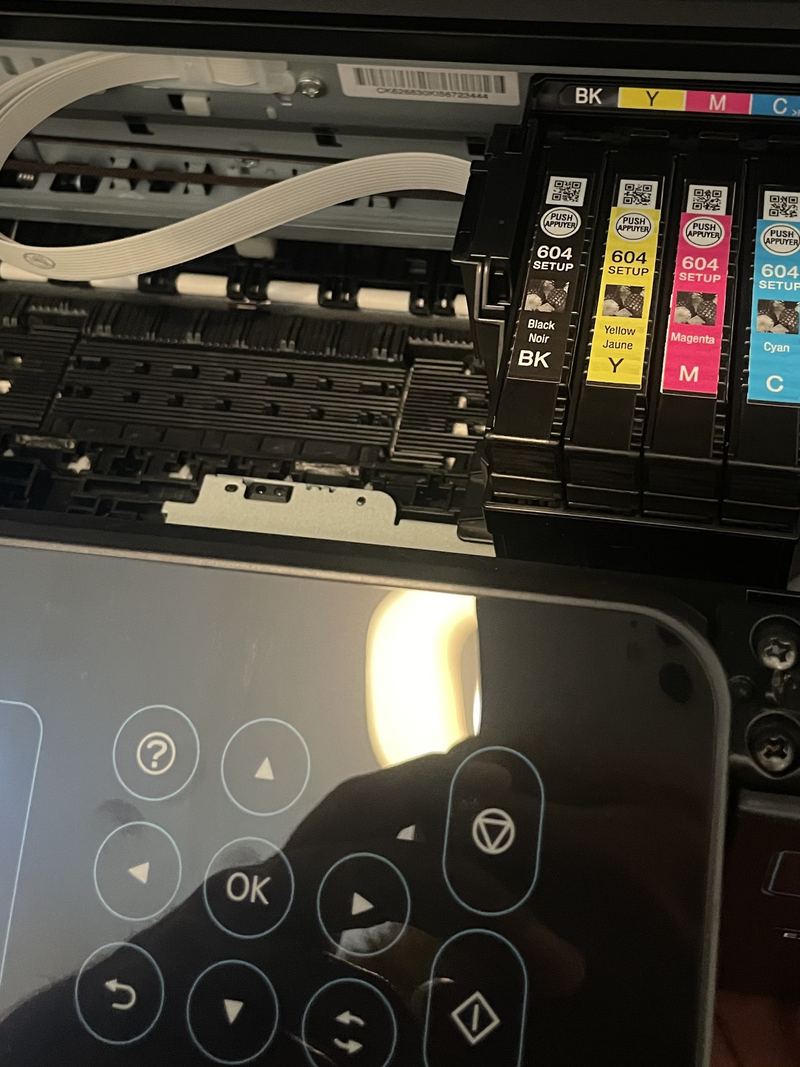
Four Epson 604 set-up cartridges, black, yellow, magenta and cyan, seated in the print head of the opened printer. From: A printer replaced and set up, where it lives -
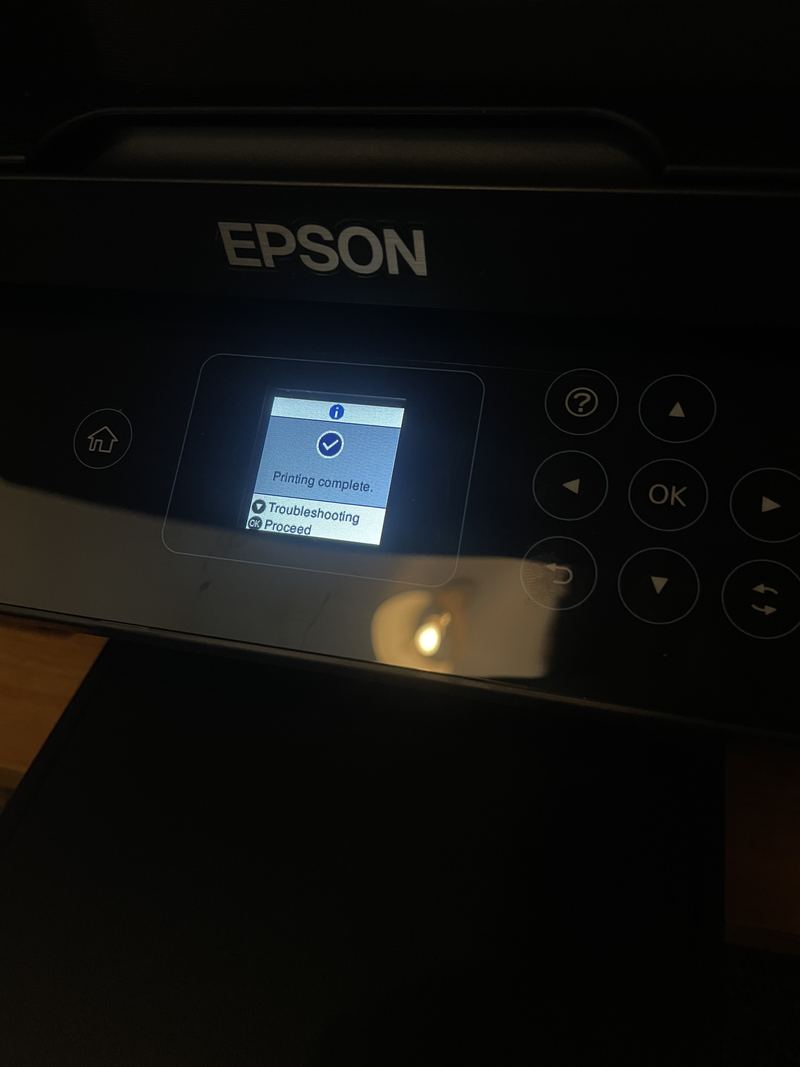
The printer's small screen showing the message Printing complete, with a tick. From: A printer replaced and set up, where it lives -
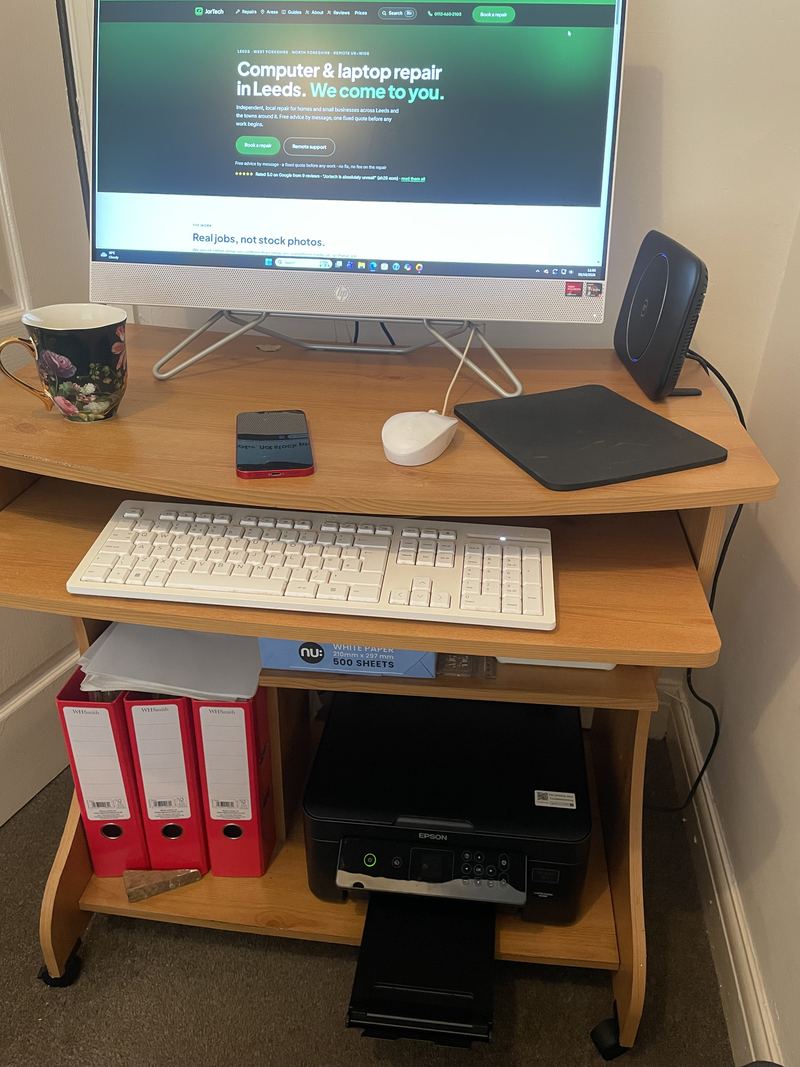
The new printer on the low shelf of a desk with a printed sheet coming out of it, and the desktop computer switched on above. From: A printer replaced and set up, where it lives
Using these photographs
© JorTech. All rights reserved. Every photograph on this site was taken by us on a real job, with nothing that identifies a customer or their home: no faces we have not been given permission to show, no addresses, and the serial numbers and labels that would identify a device blurred out.
You are welcome to link to any of them. To use one elsewhere, in an article, a course or a presentation, ask us first through the contact page and say where it will appear and how it will be credited.